Features
Everything a long piece of writing needs, in one place, on your own computer. Here is what you can do.
Writing
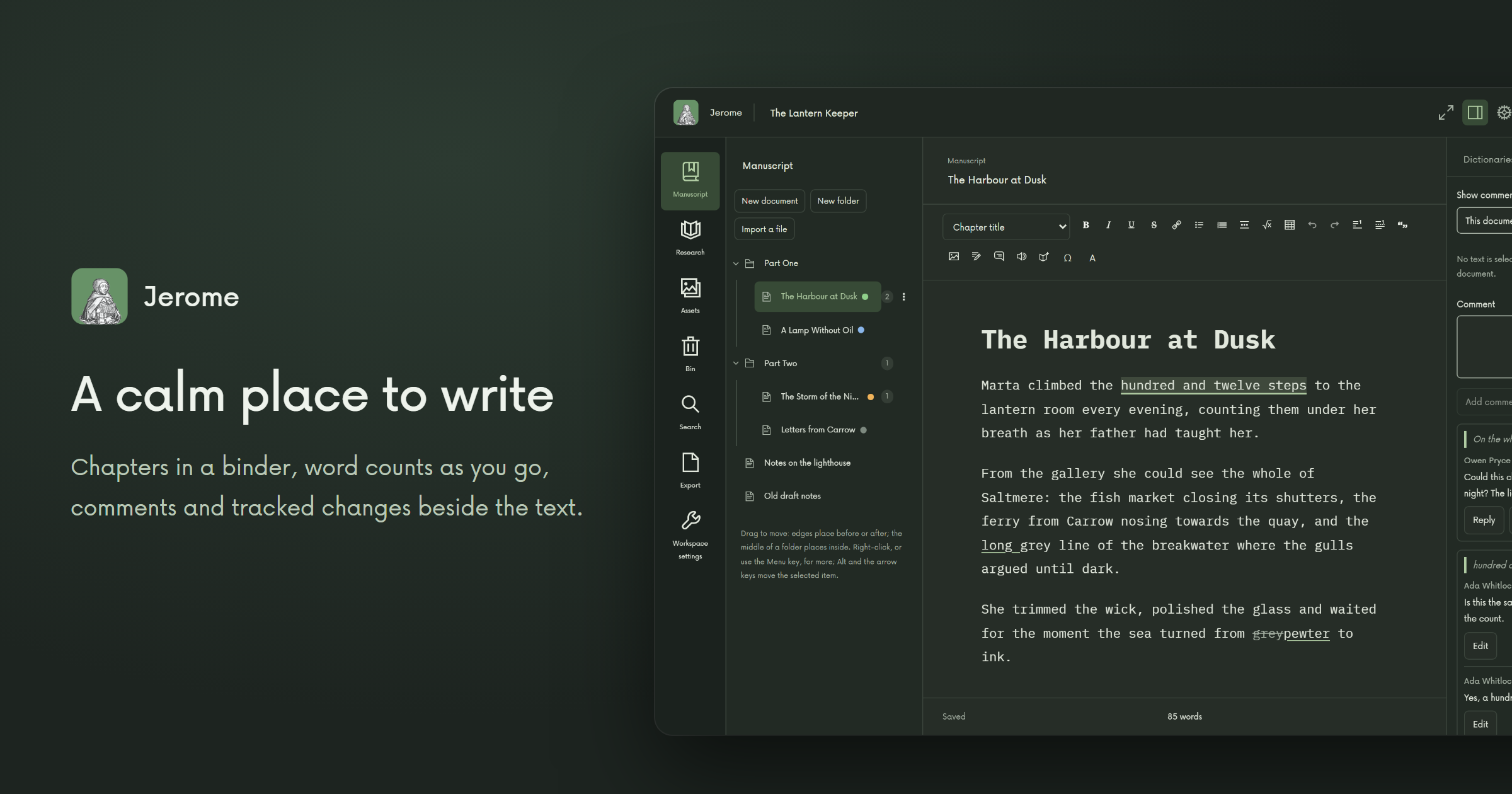
Your chapters wait in a binder on the left, a click away. Saving takes care of itself. Leave comments for yourself or your editor, keep every change to accept or reject later, and let Jerome offer your characters' and places' names as you type. When you need quiet, focus mode hides everything but the page.
Search the whole project at once. Check spelling, grammar and style right there on your computer. When the book is done, send it off as a Word file, with your revisions and comments if you want them, or make it into a finished book (see Publishing).
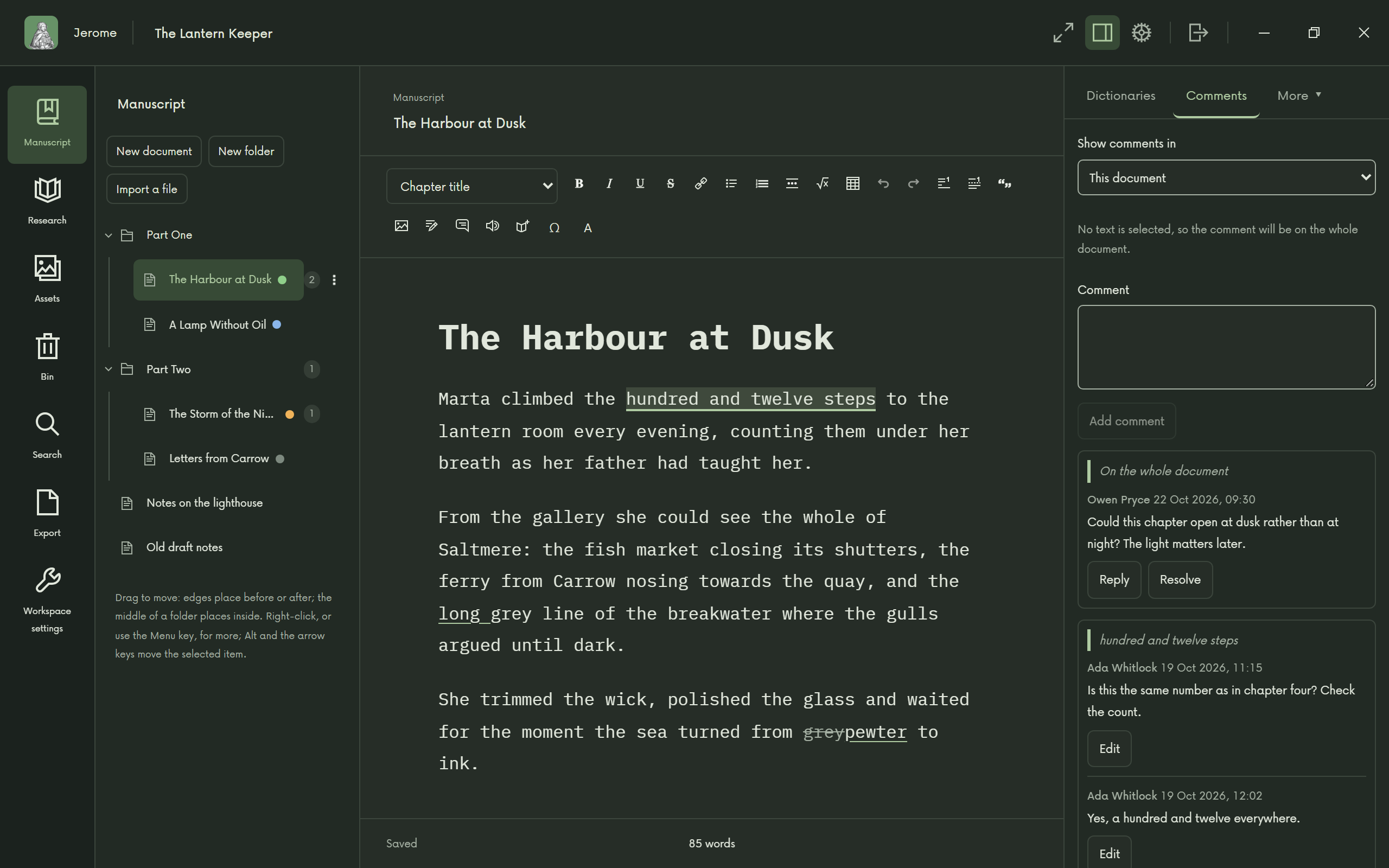
A calm place to write 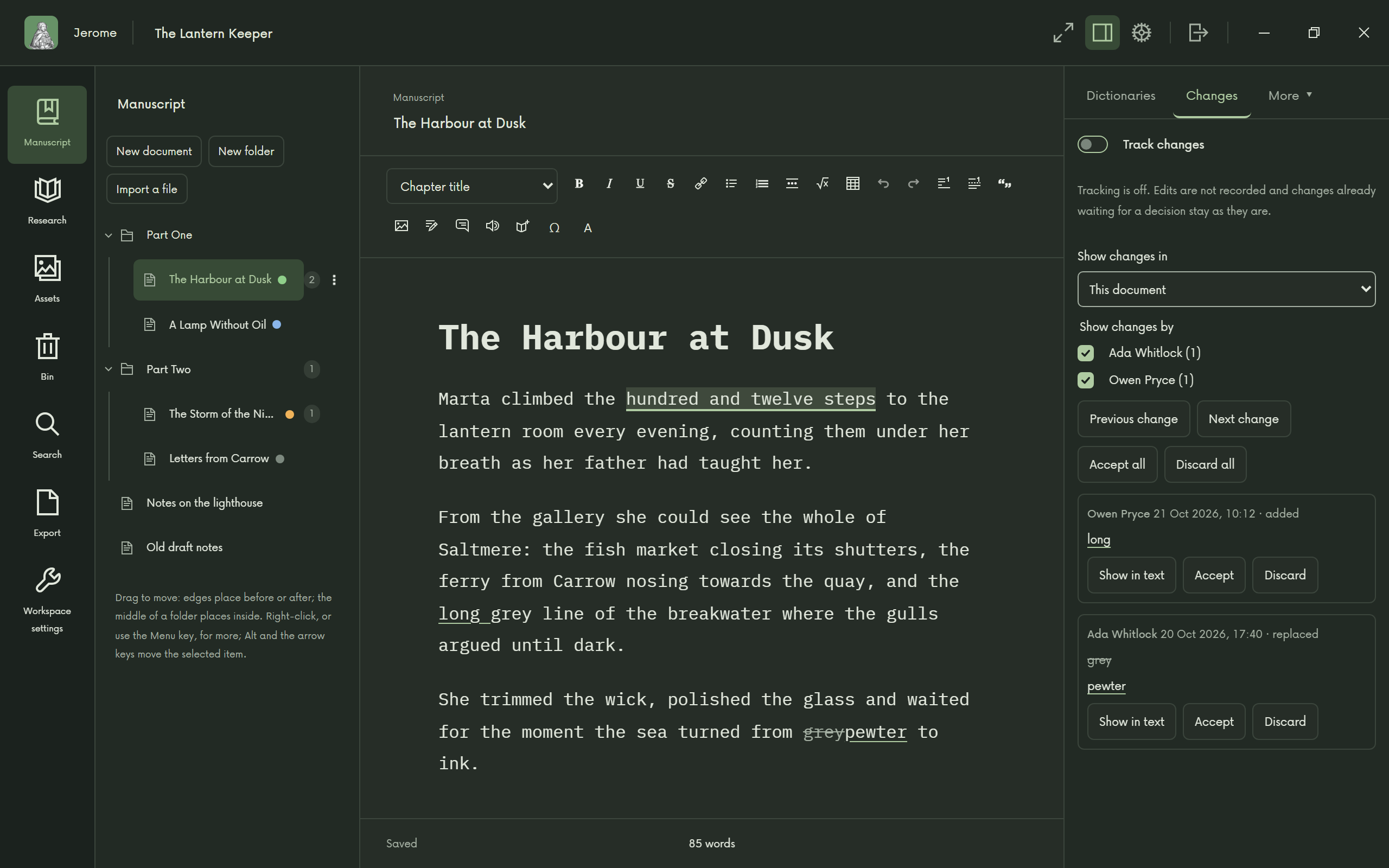
Track every change 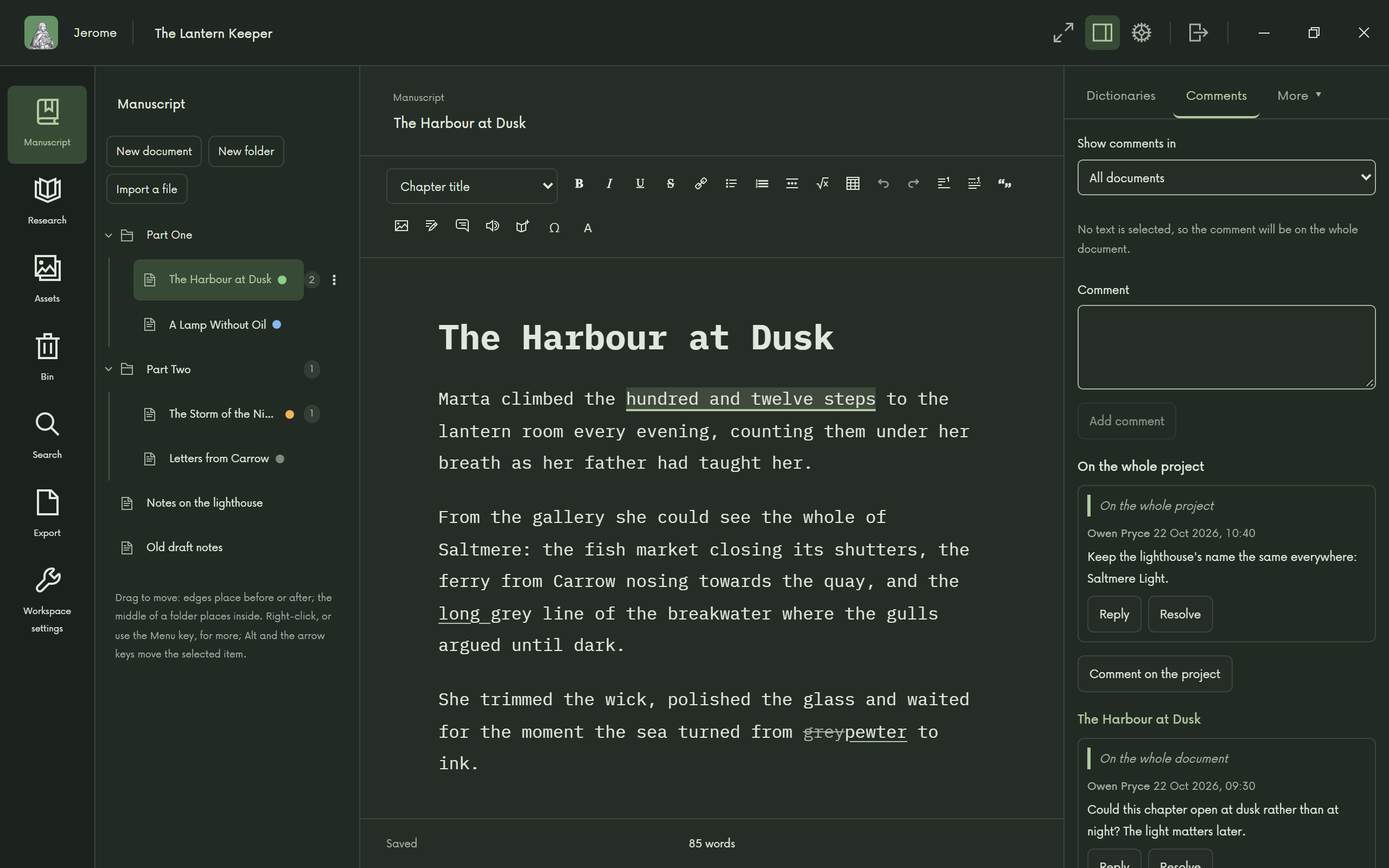
Comments beside the text 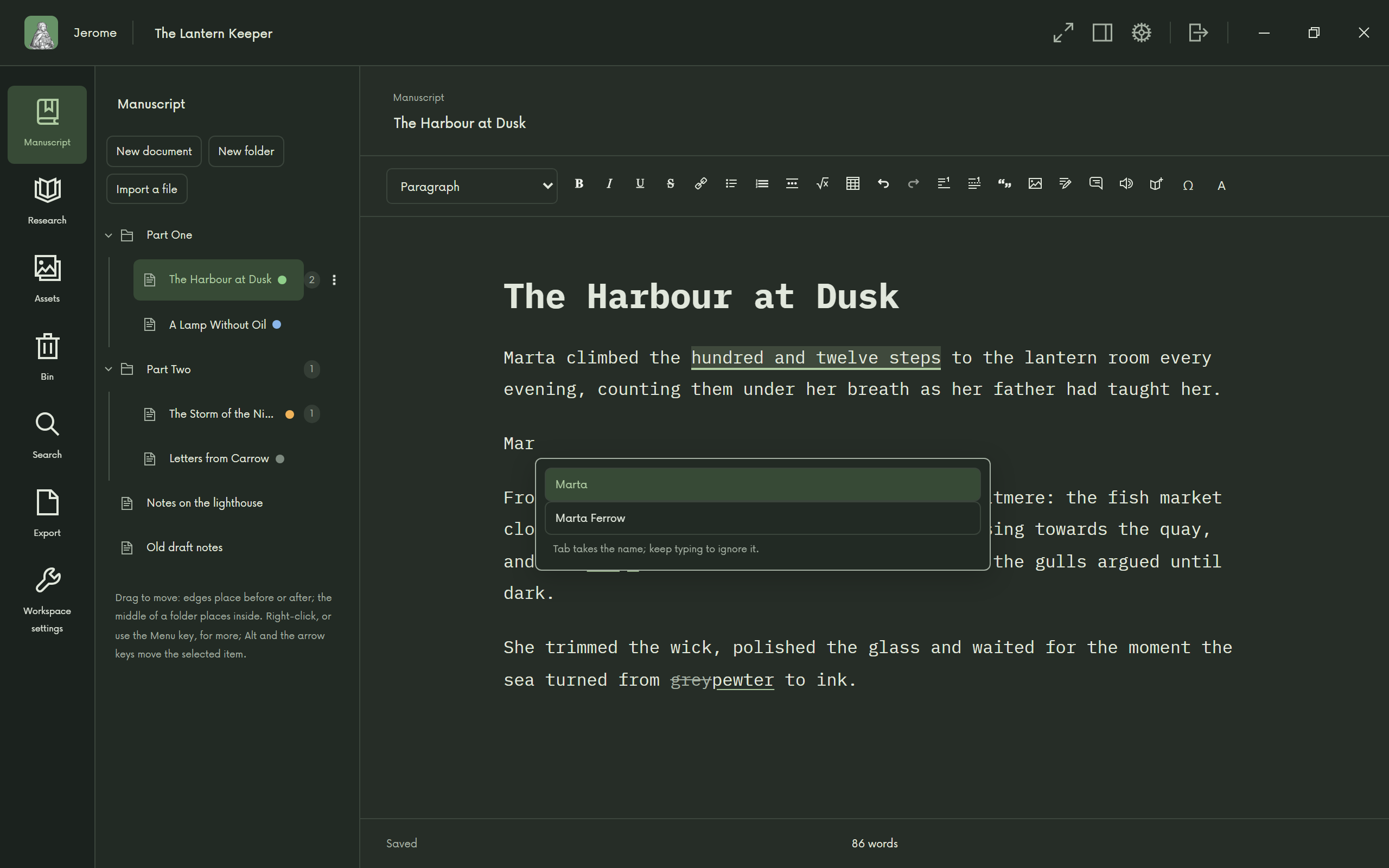
Names as you type 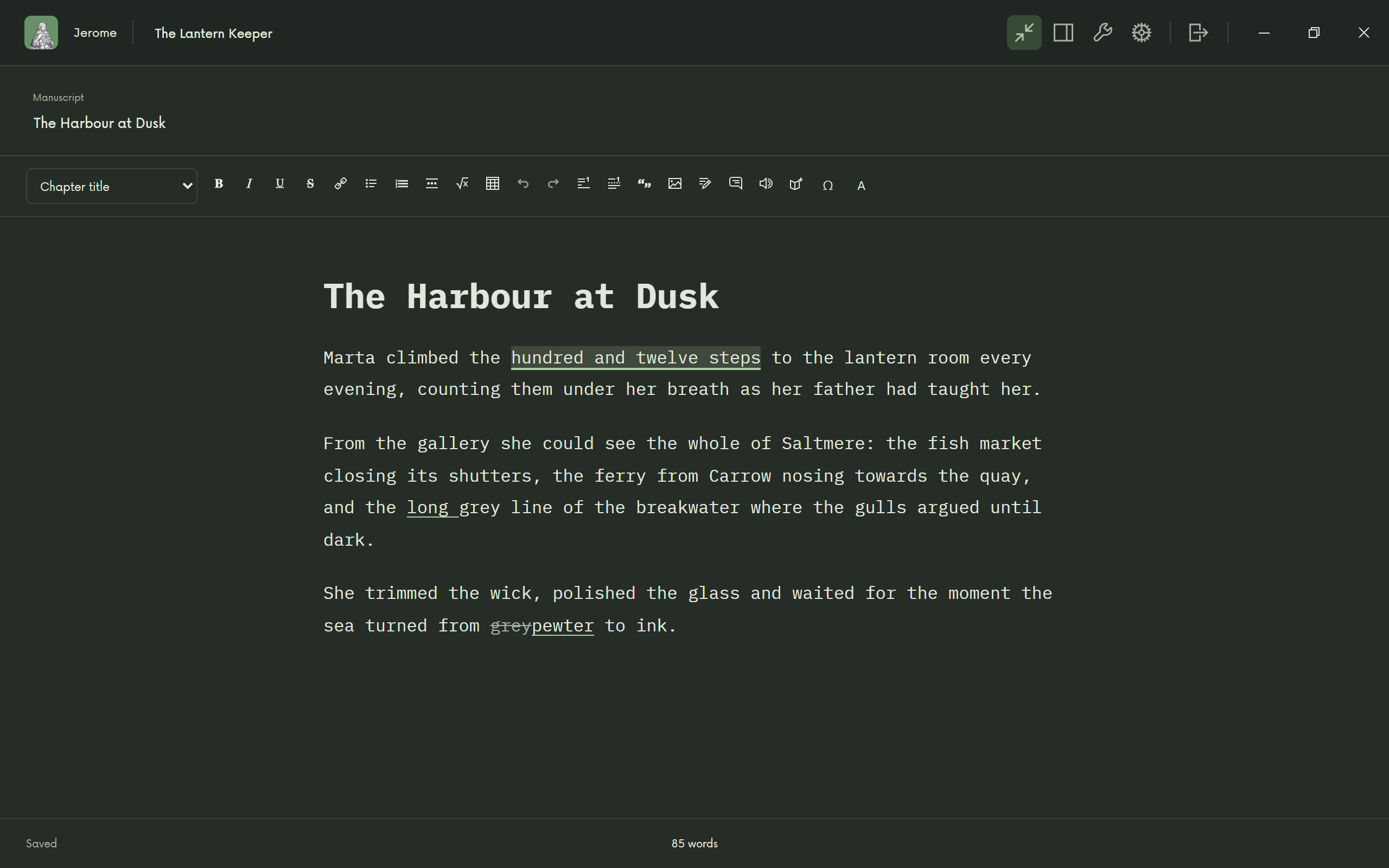
Only the words 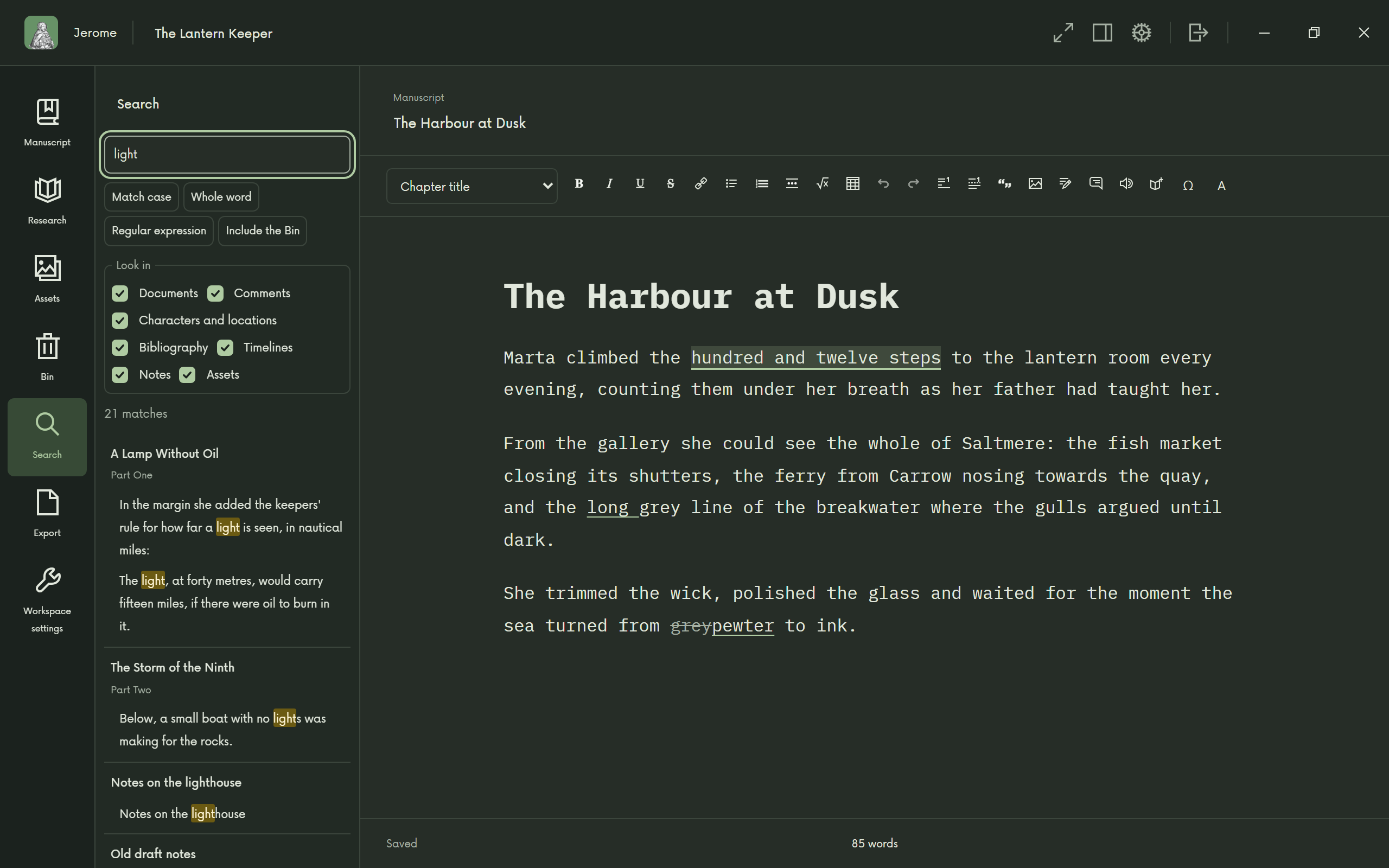
Find anything 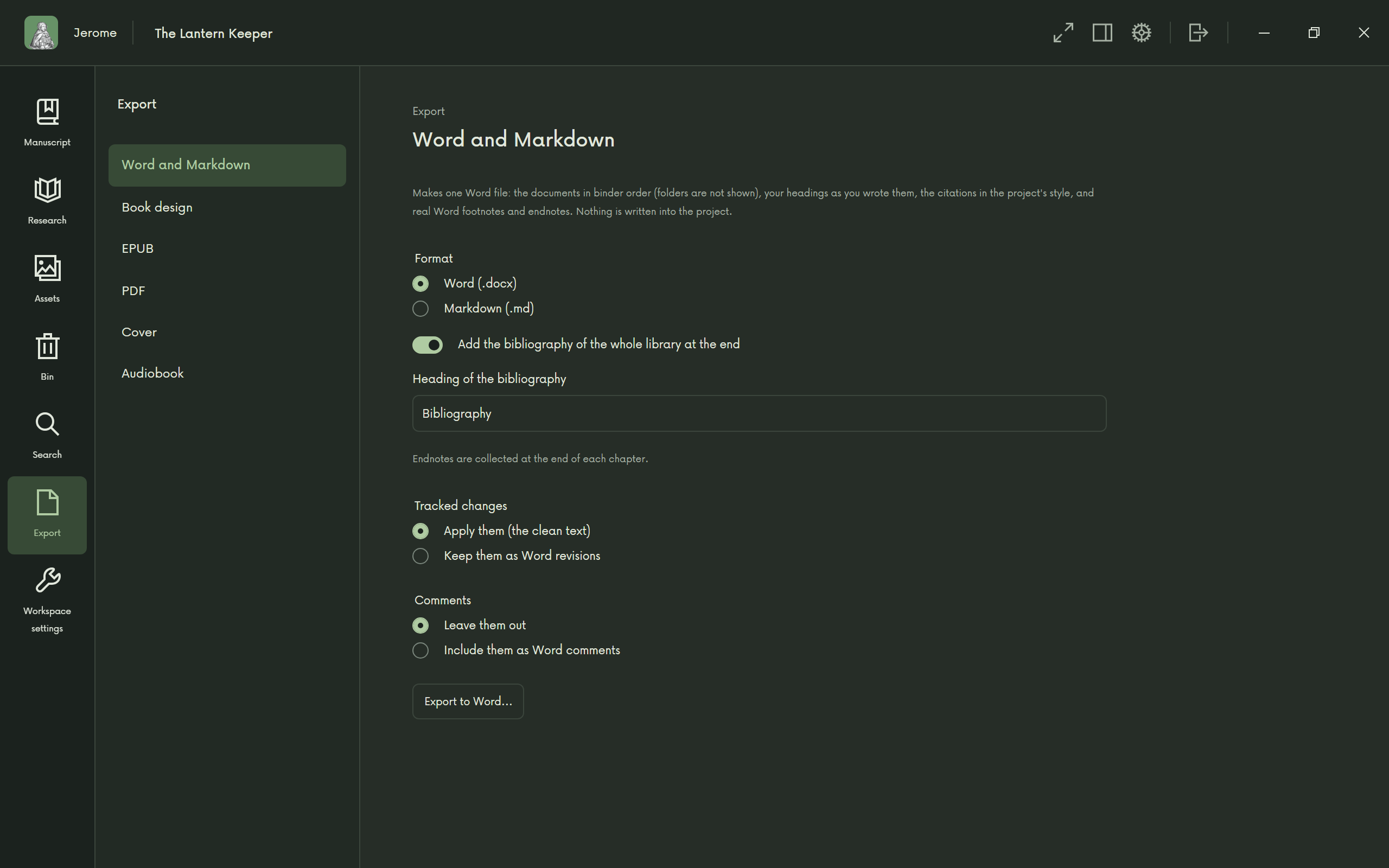
Ready for your publisher
Research
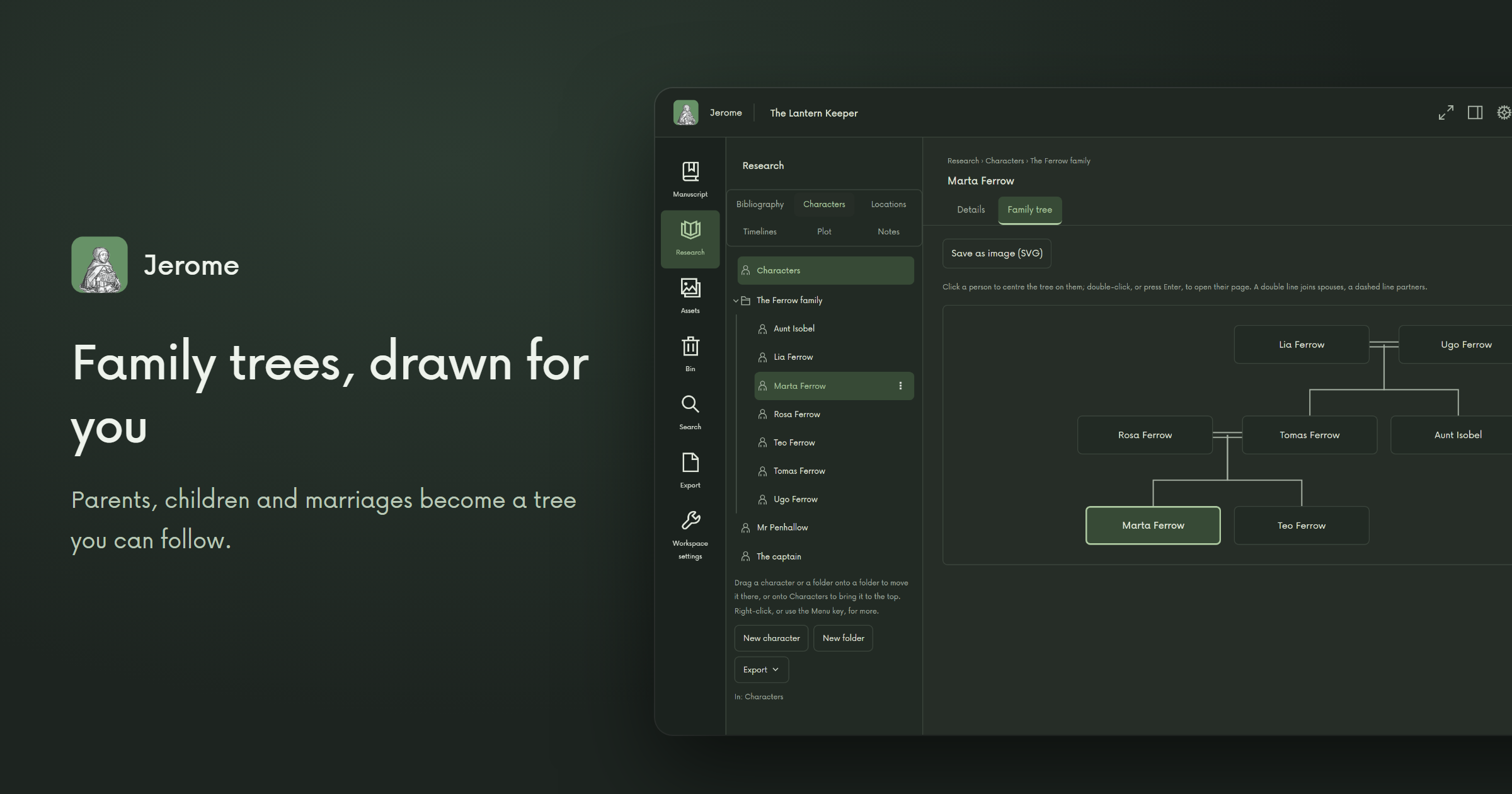
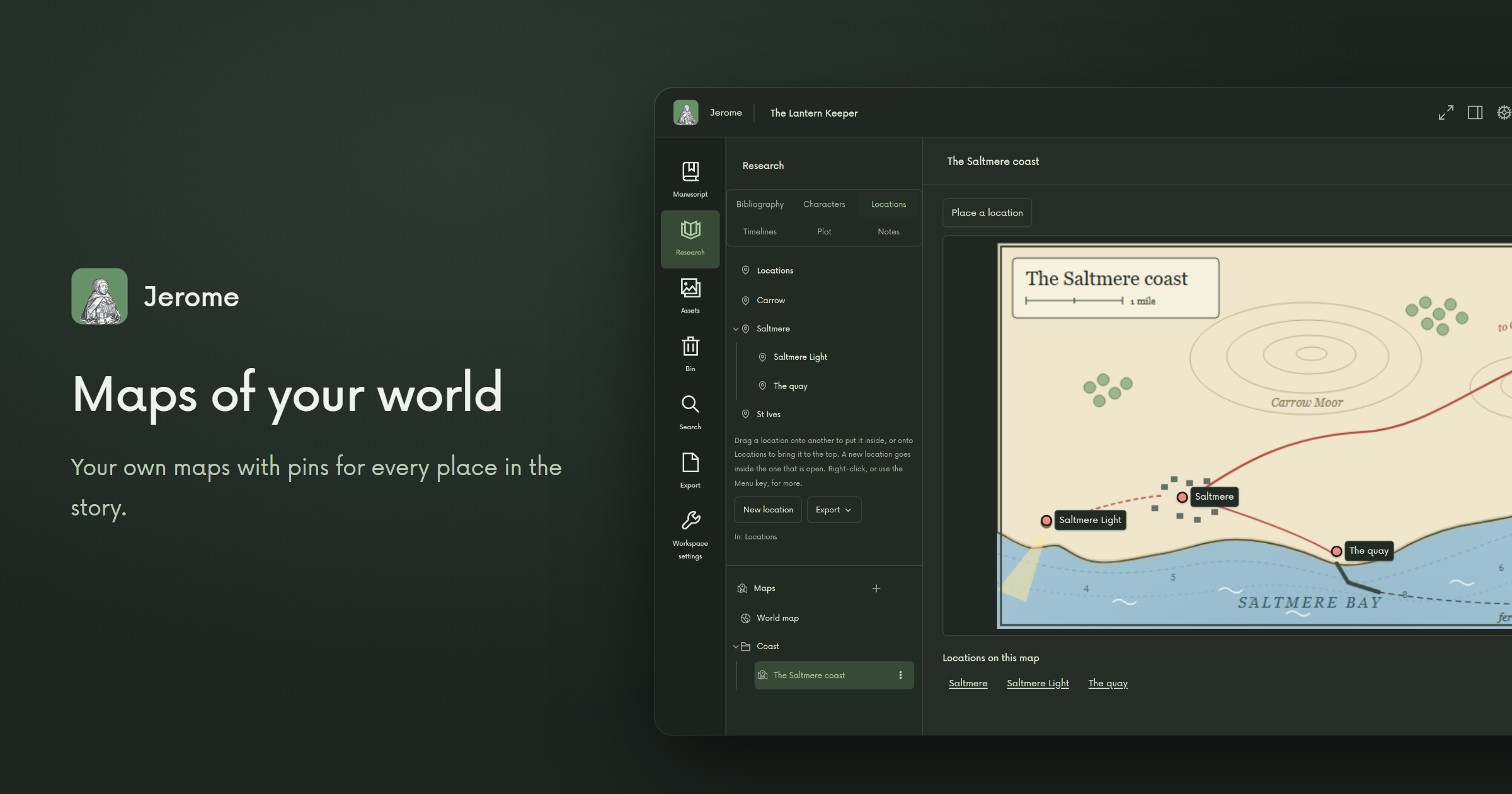
Keep everything you know about your story beside the story itself: pages for characters and places, family trees that draw themselves, your own maps with a pin for every place, timelines in your story's calendar and a plot board of cards you can rearrange.
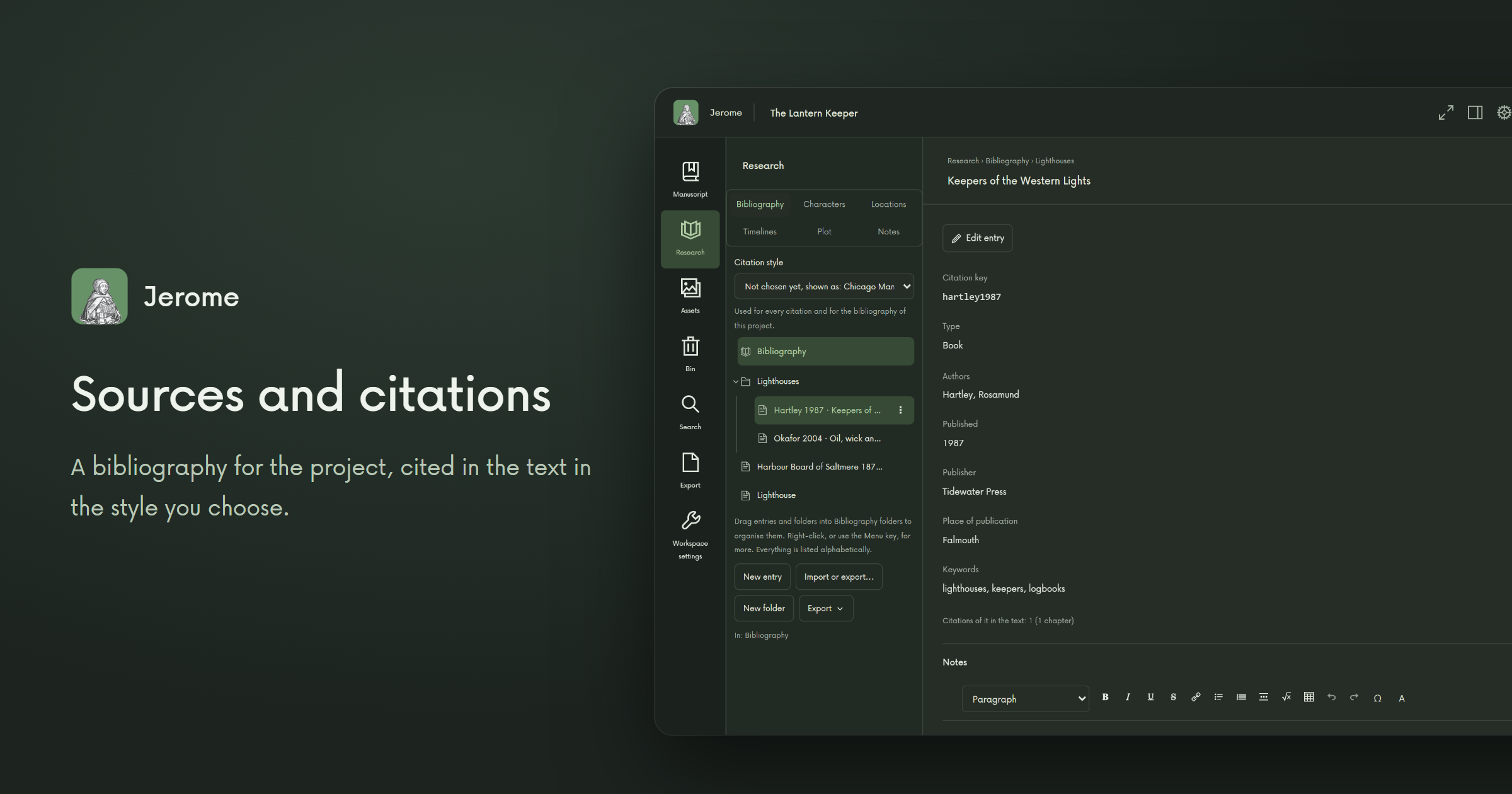
Writing non-fiction? Keep a bibliography, look a book up in Open Library and cite as you write, in the style you choose. Notes, saved web pages and images stay with the project.
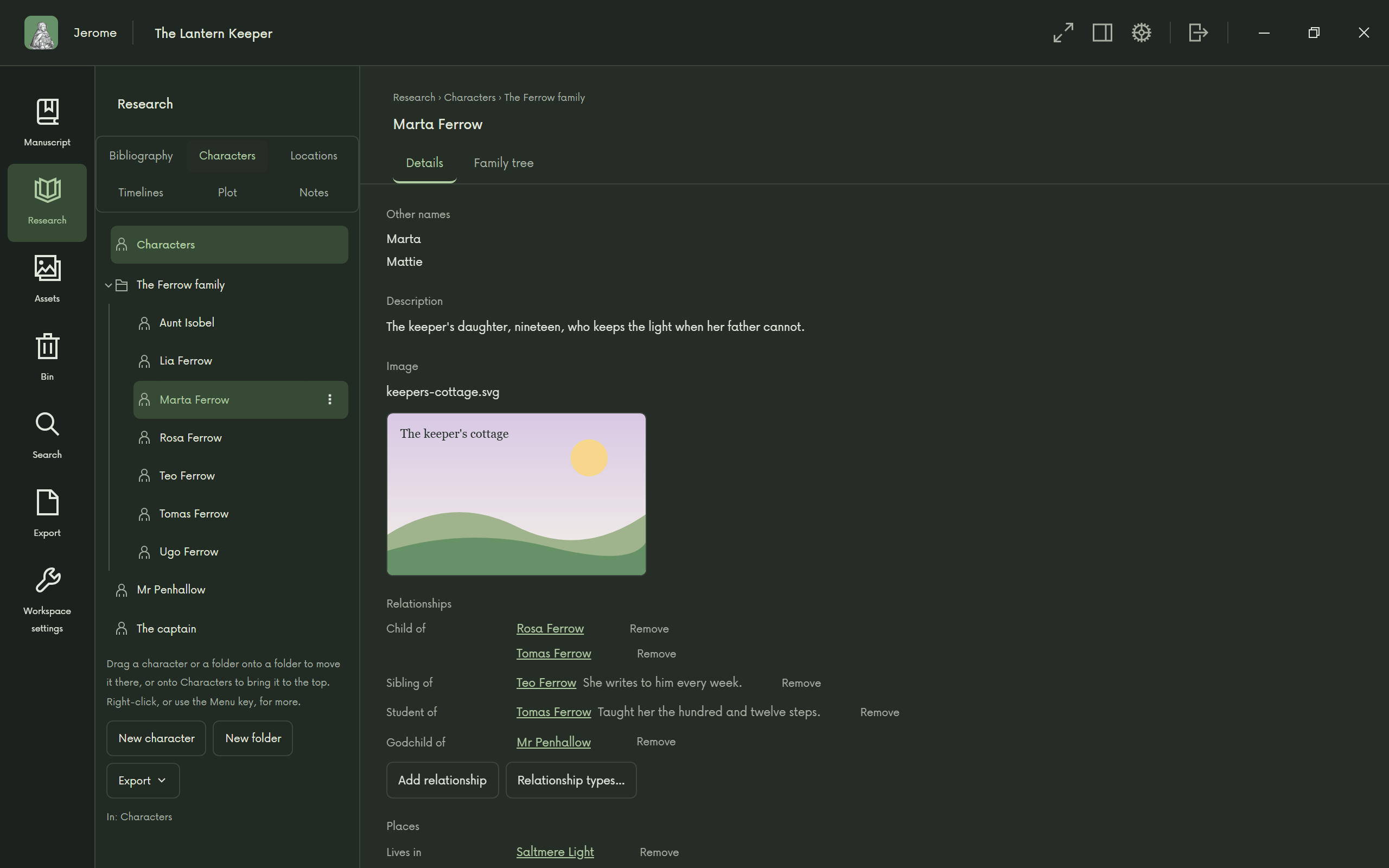
Characters with a history 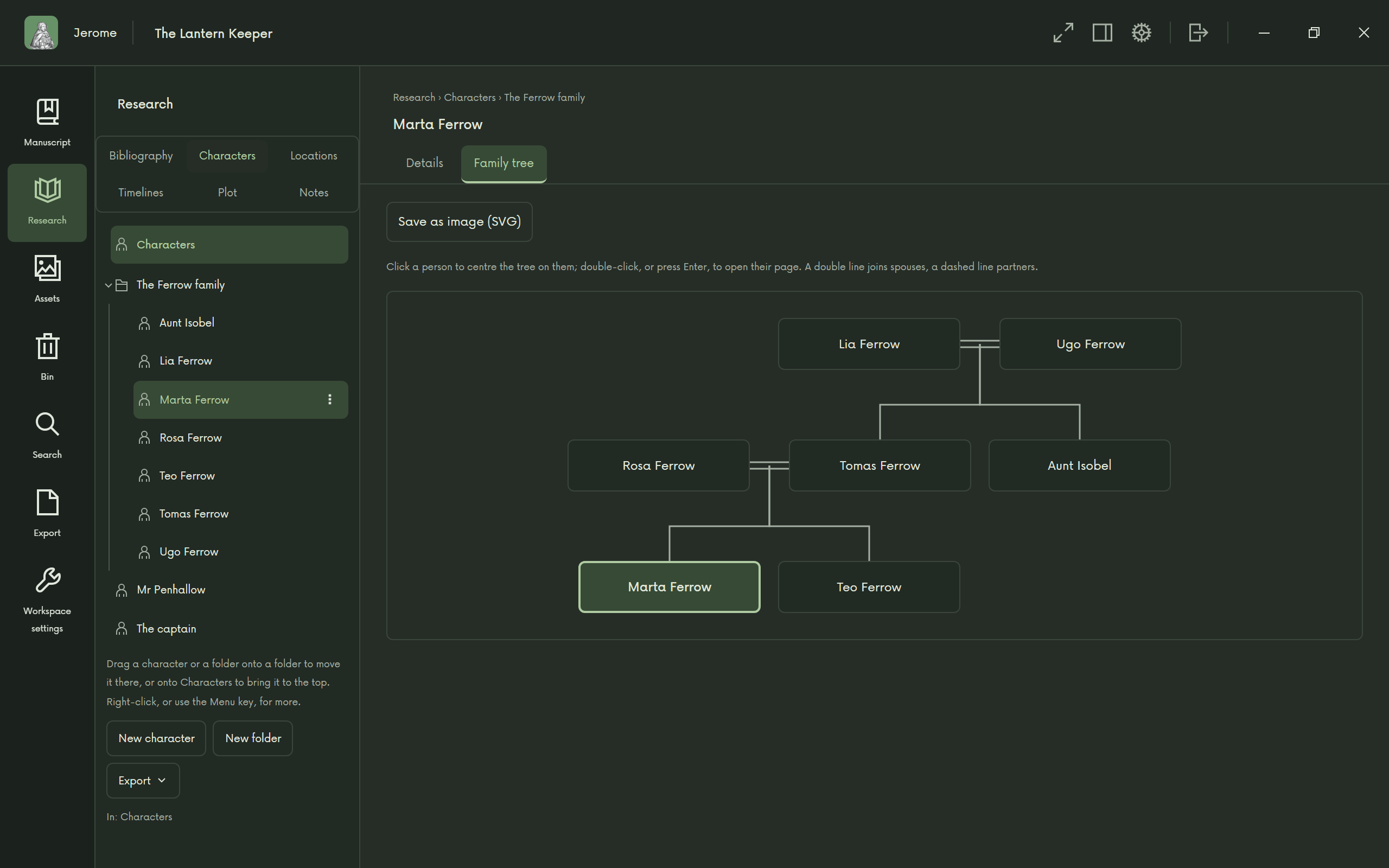
Family trees, drawn for you 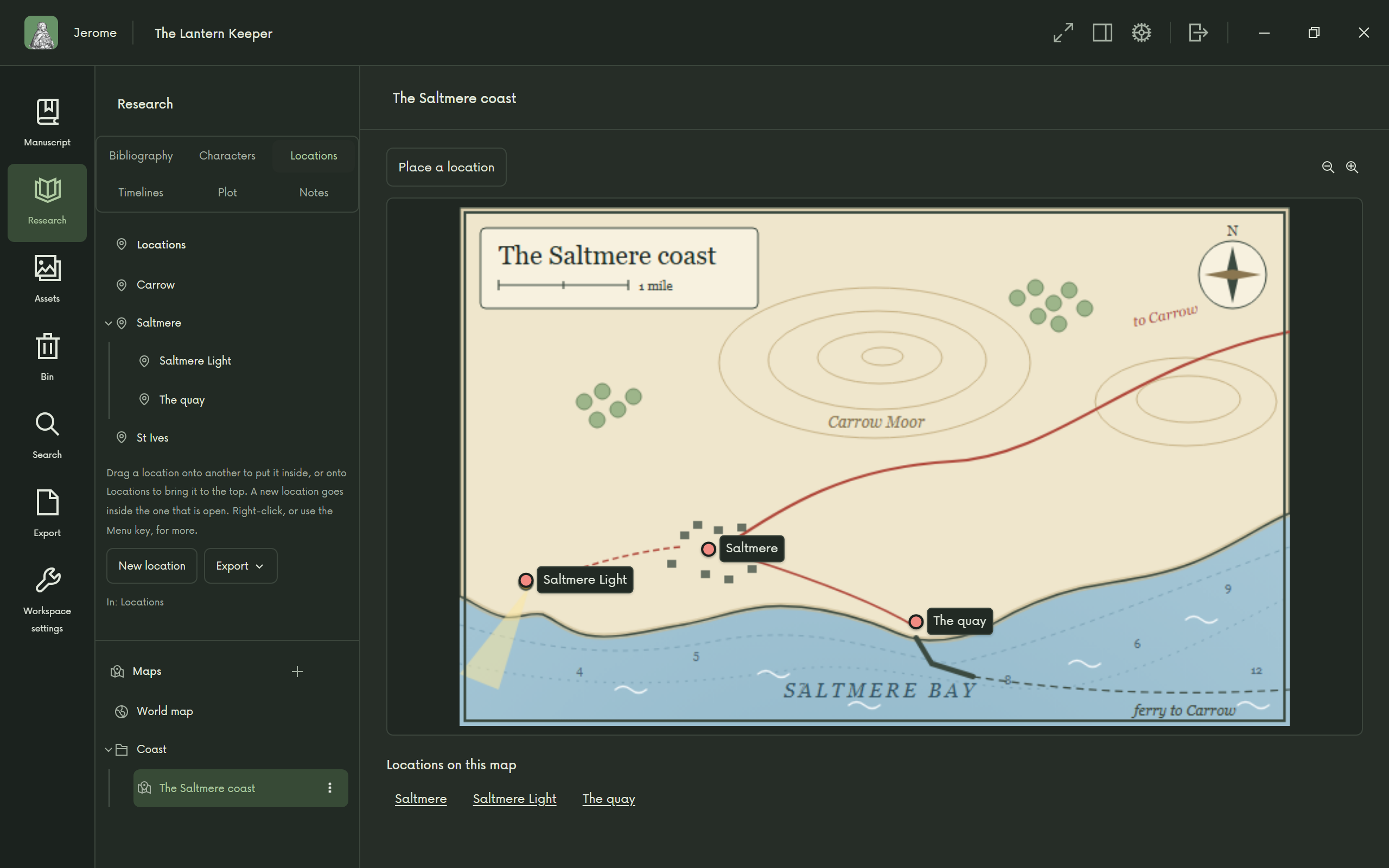
Maps of your world 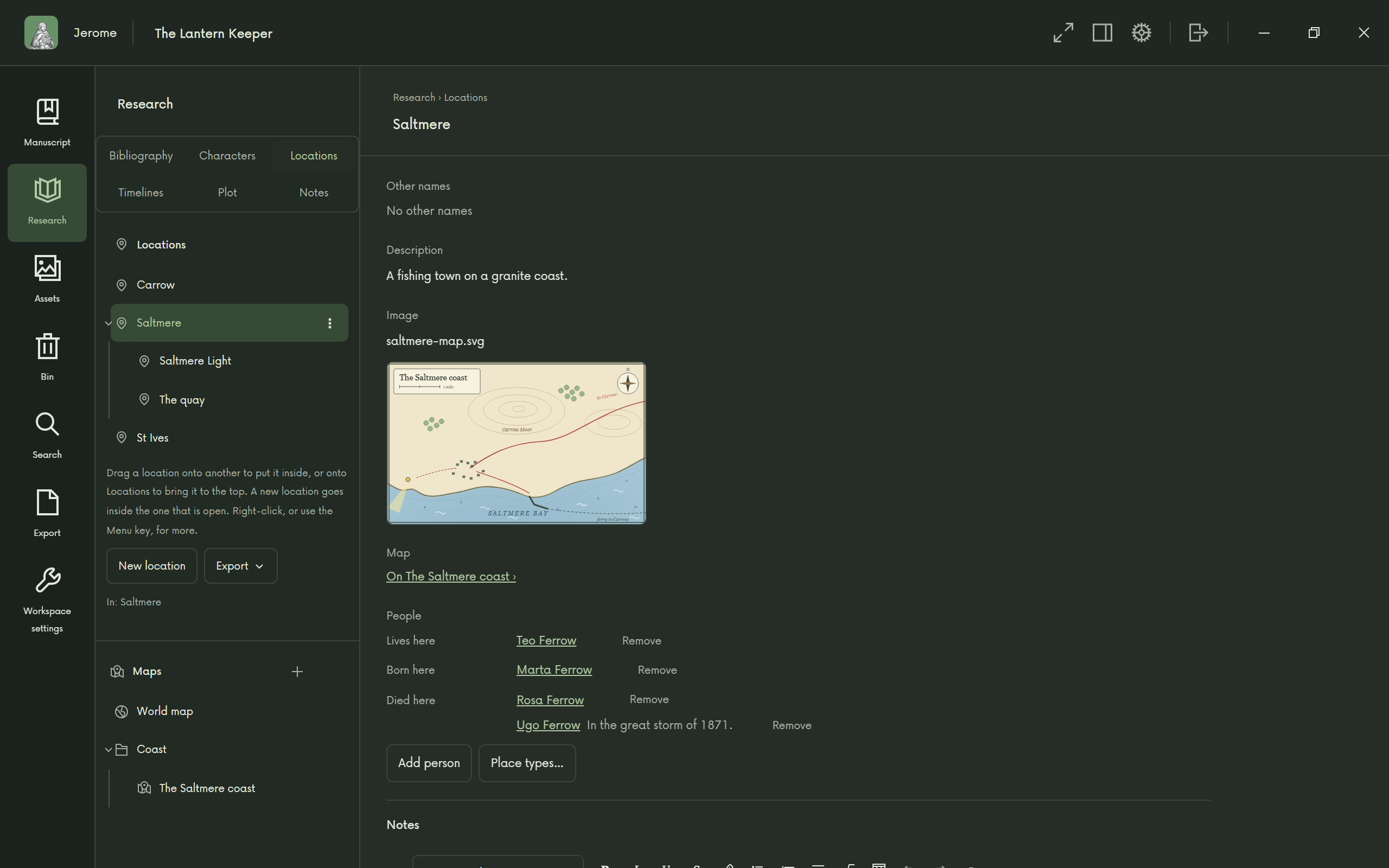
Places that know their neighbours 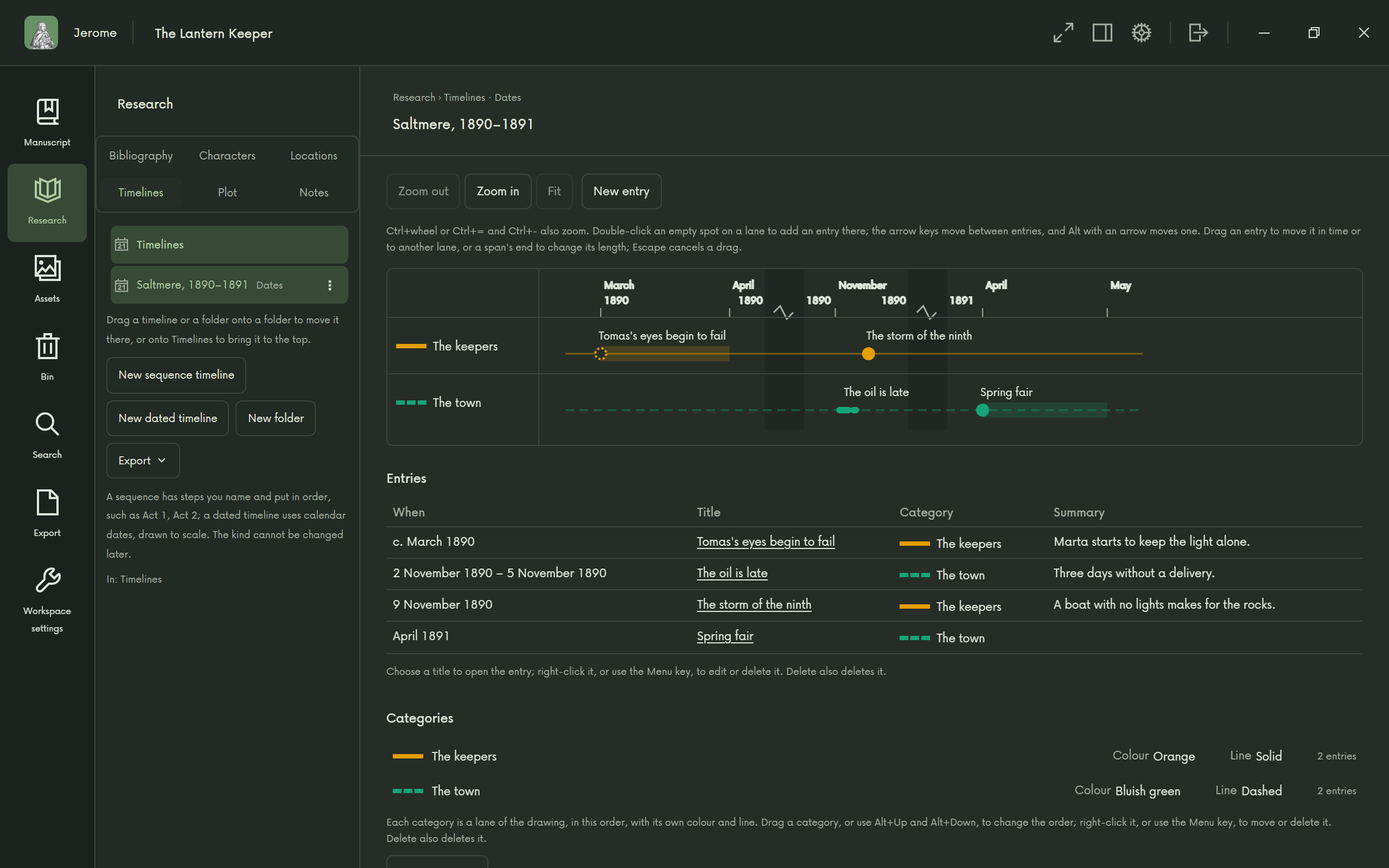
Timelines 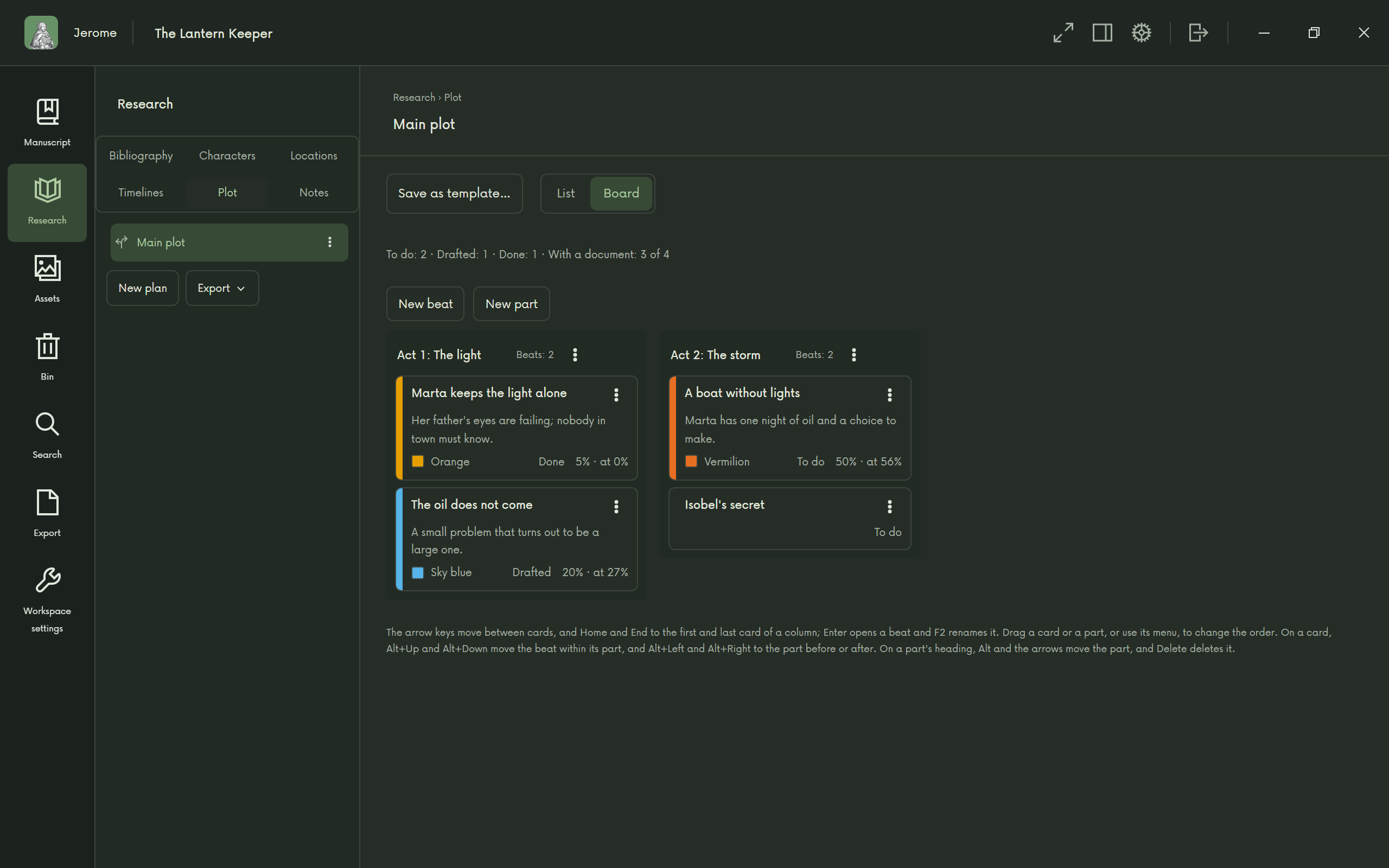
Plot on a board 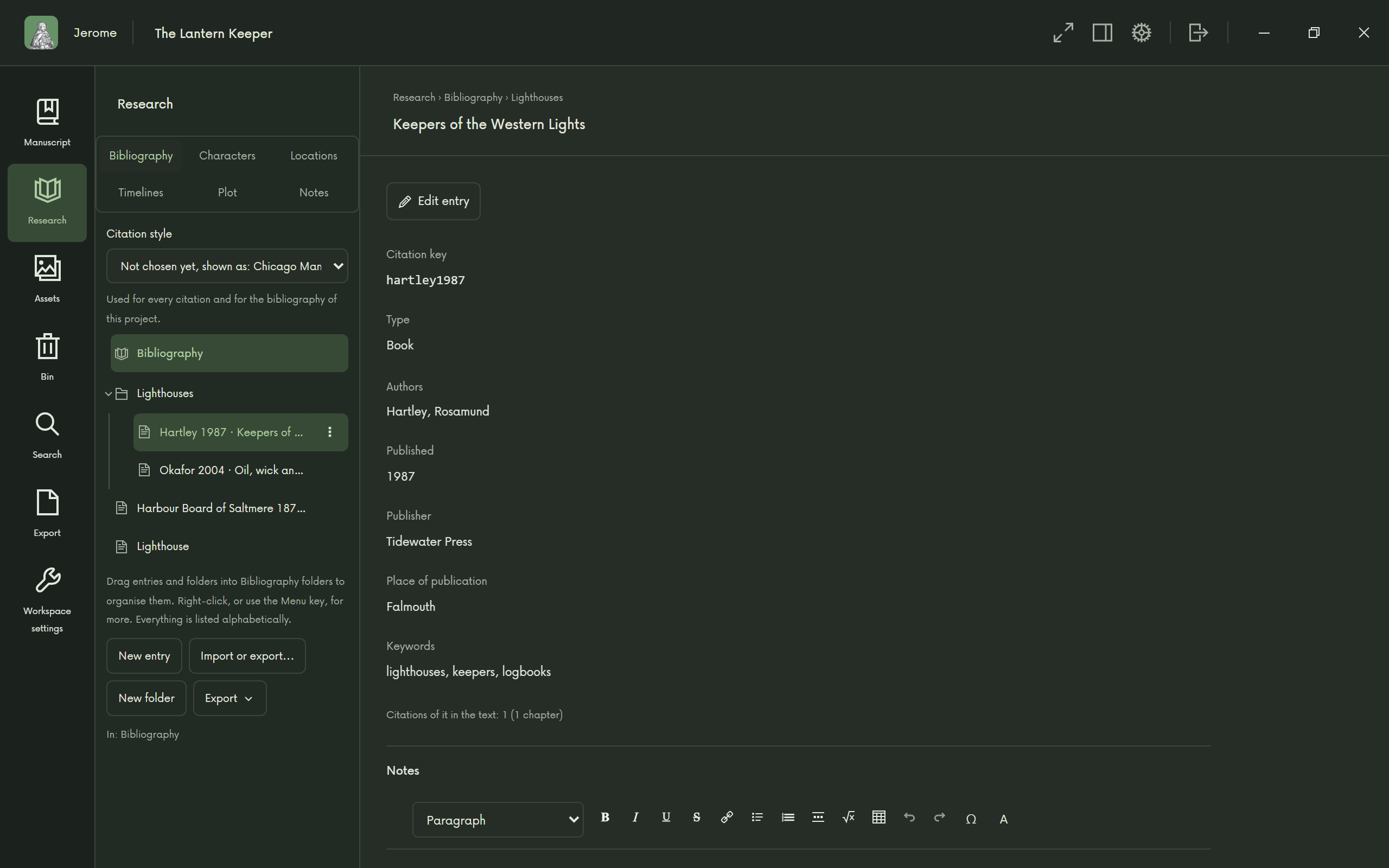
Sources and citations 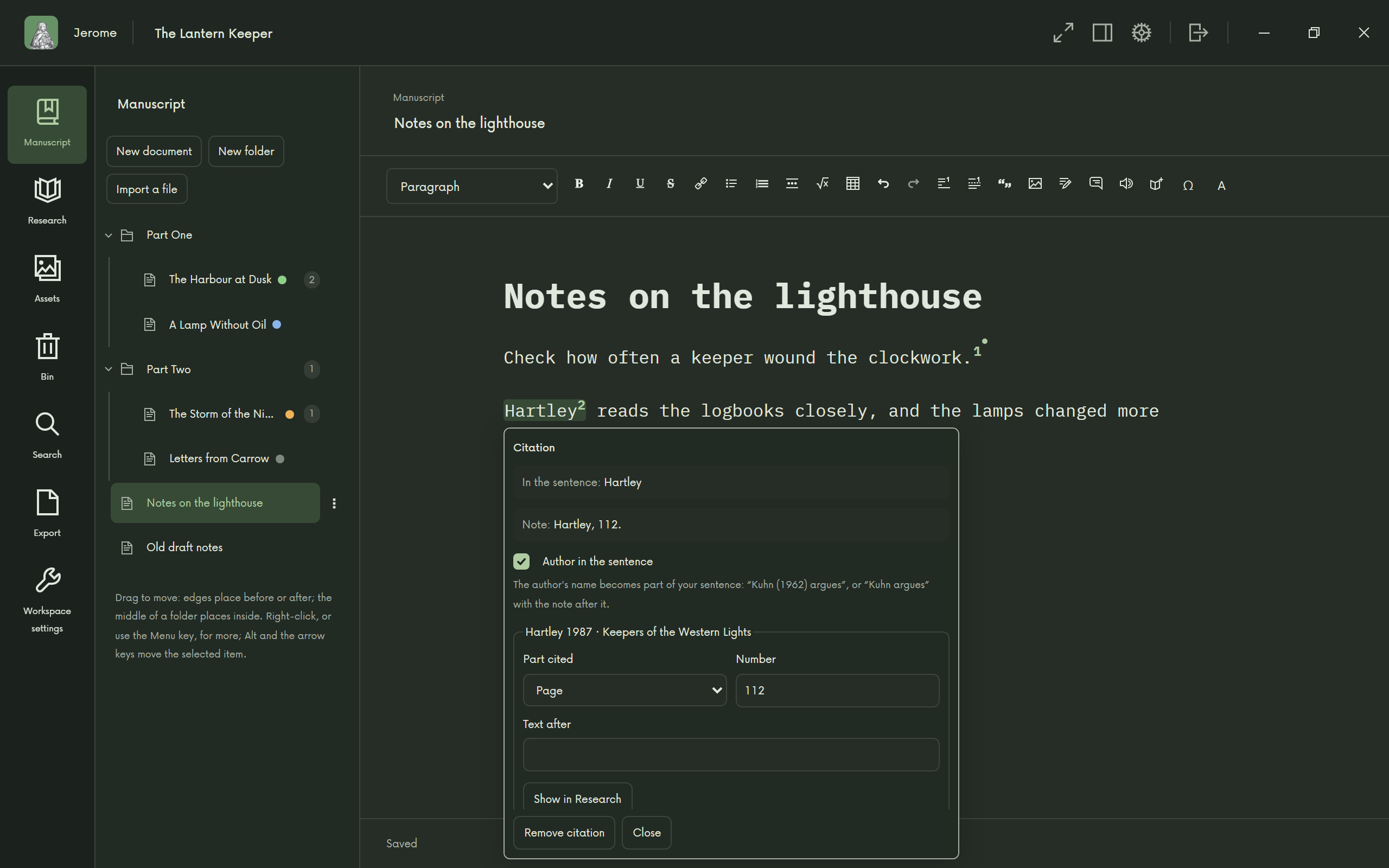
Cite as you write 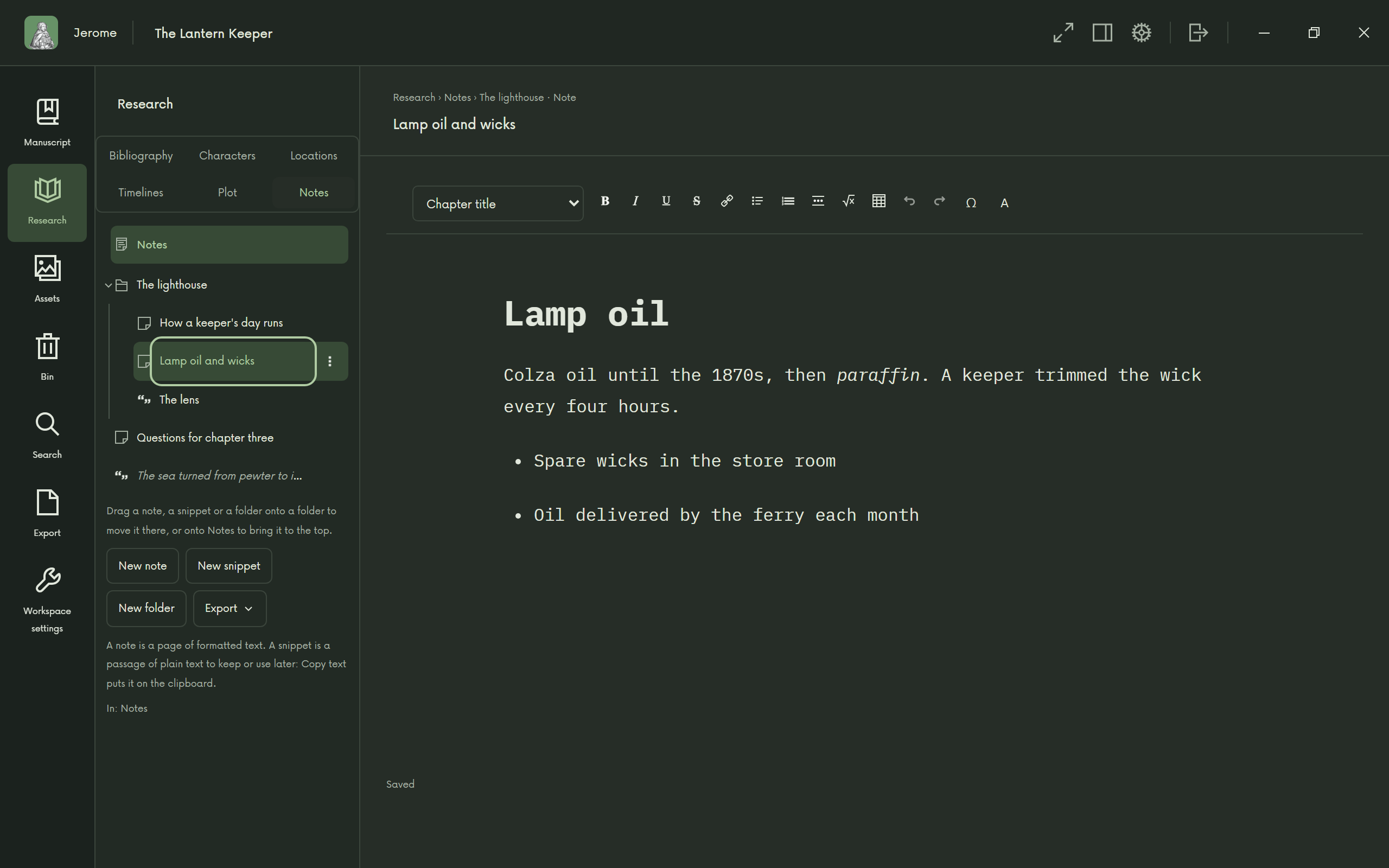
Research notes
Translation
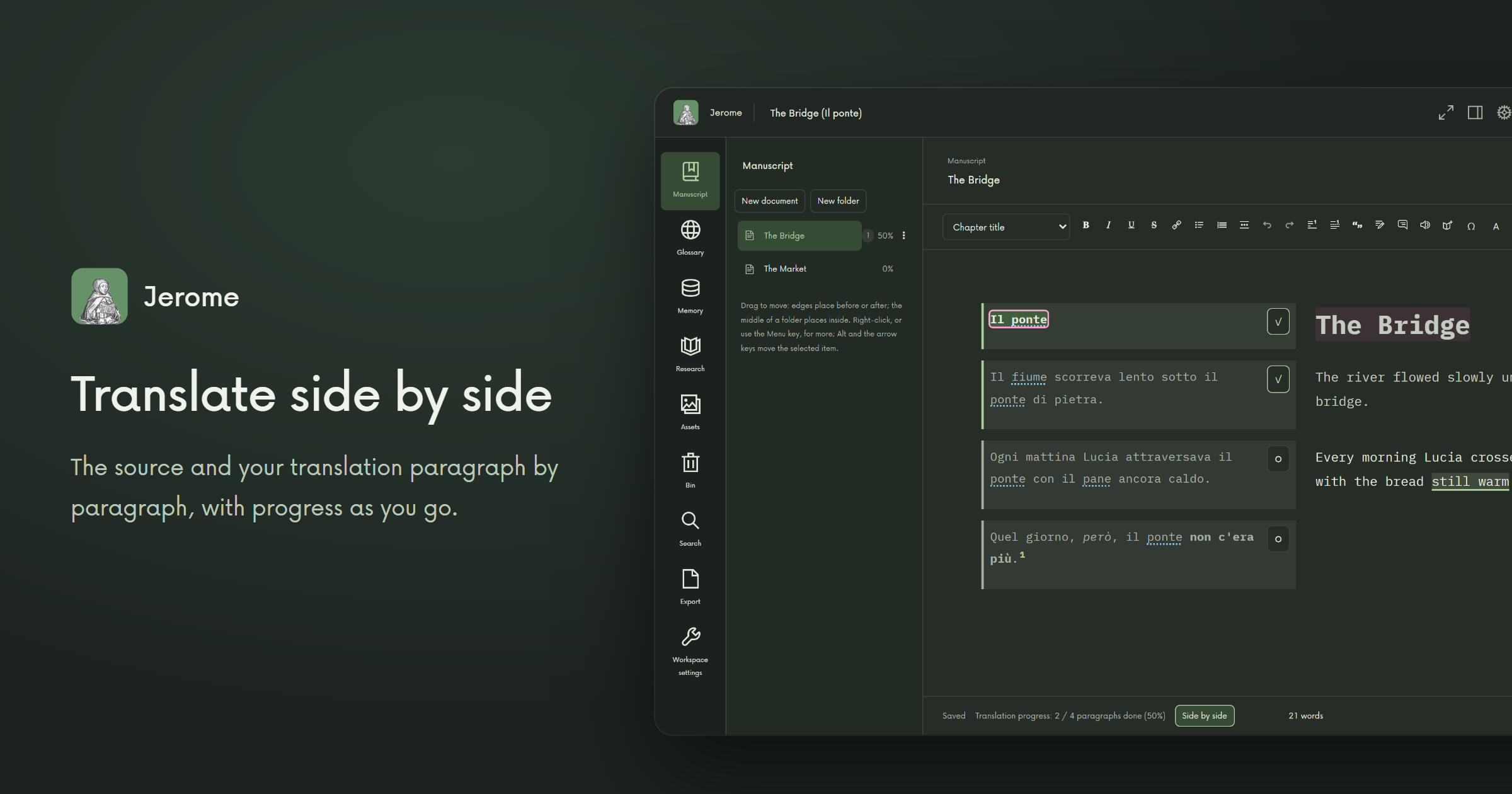
The source and your translation side by side, paragraph by paragraph, with your progress as you go. Your glossary underlines its terms in the source, and the translation memory offers every sentence you have translated before.
Want a first draft to work from? Machine translation runs on your computer, downloaded once, when you want it.
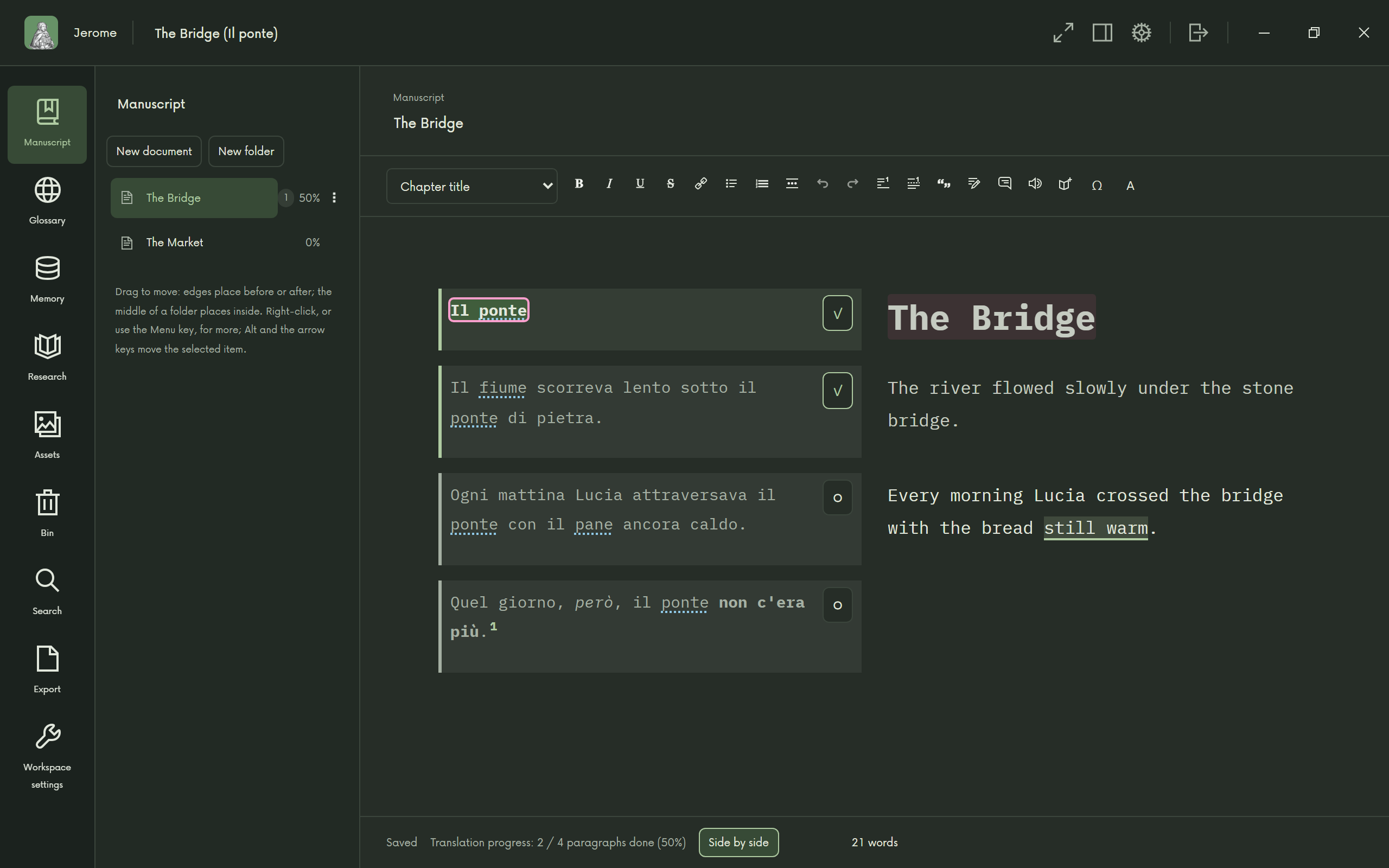
Translate side by side 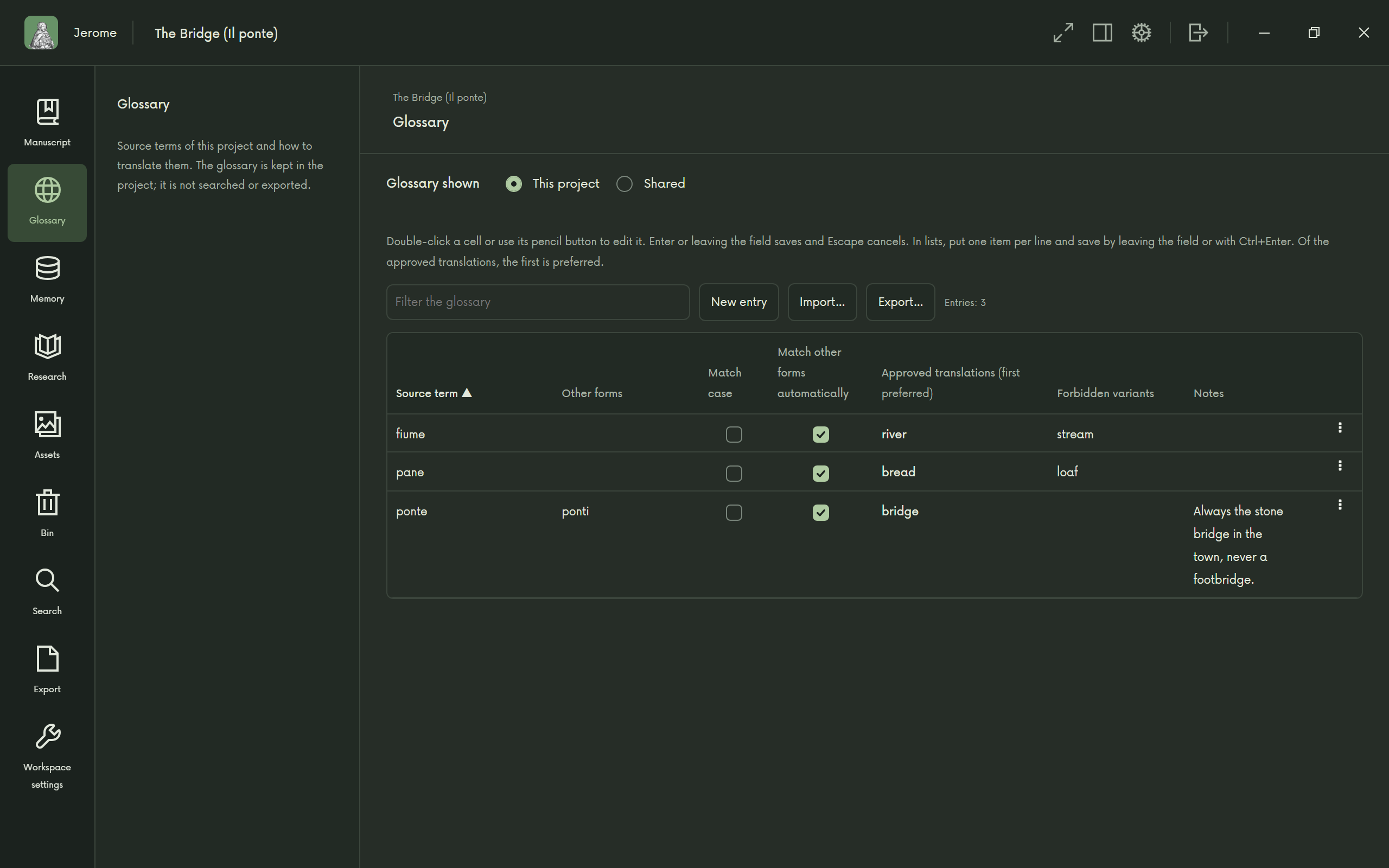
A glossary that follows you 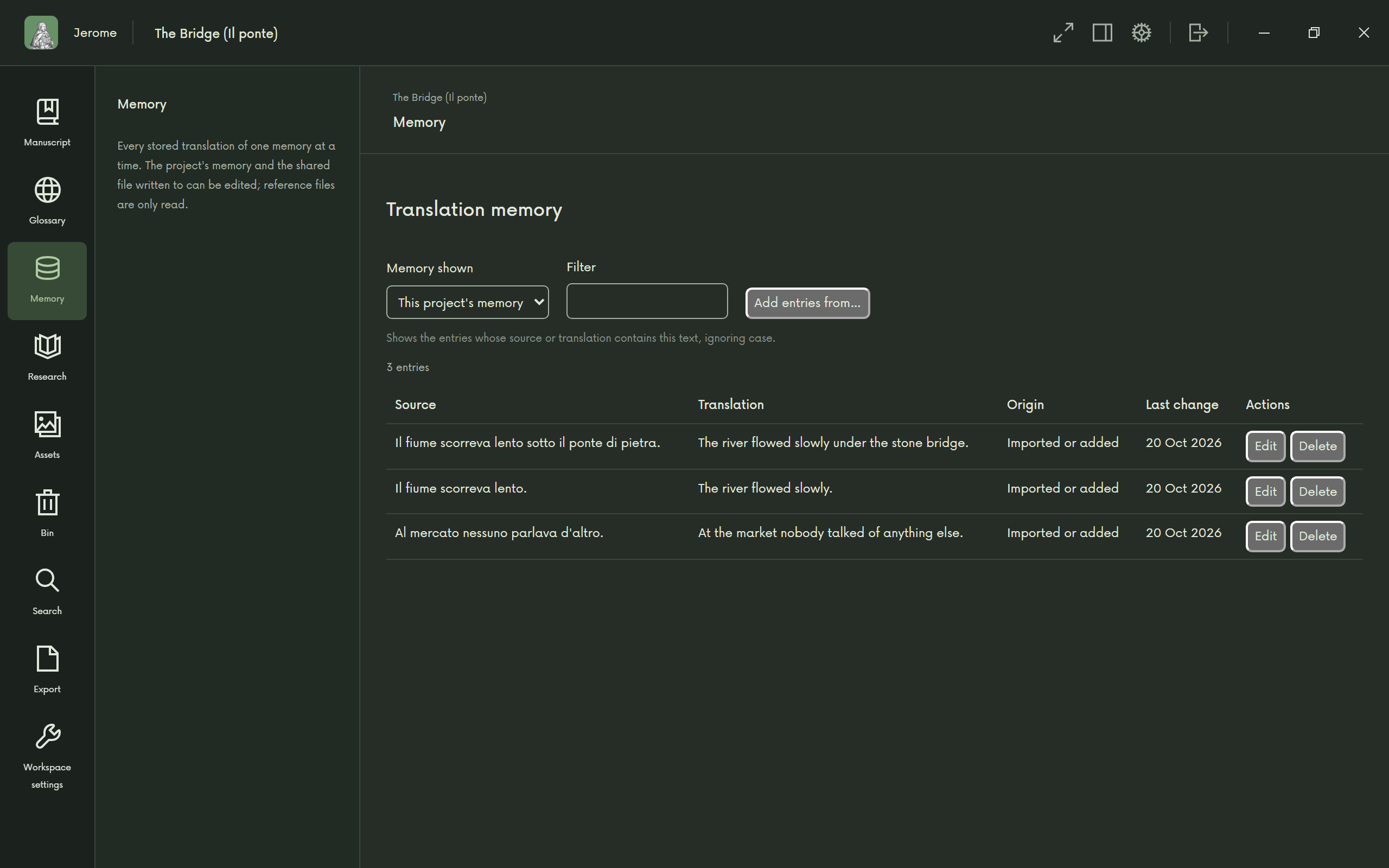
Translation memory
Scripts
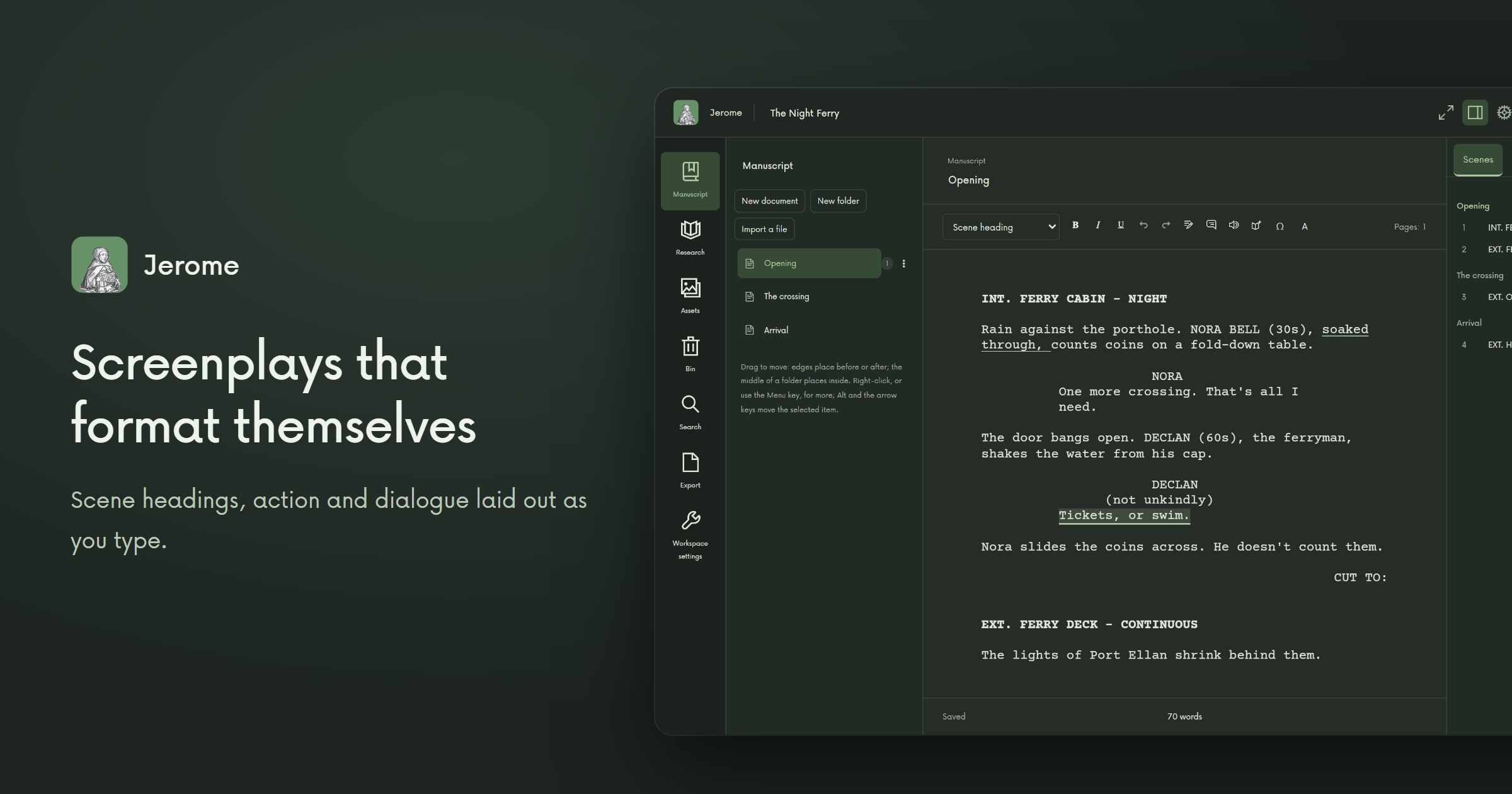
Film scripts, theatre scripts and musicals that lay themselves out as you type: scene headings, action, characters and dialogue, each in its place. Scores open beside a musical's script.
Ready to send it? Export to PDF, and film scripts to Final Draft too.
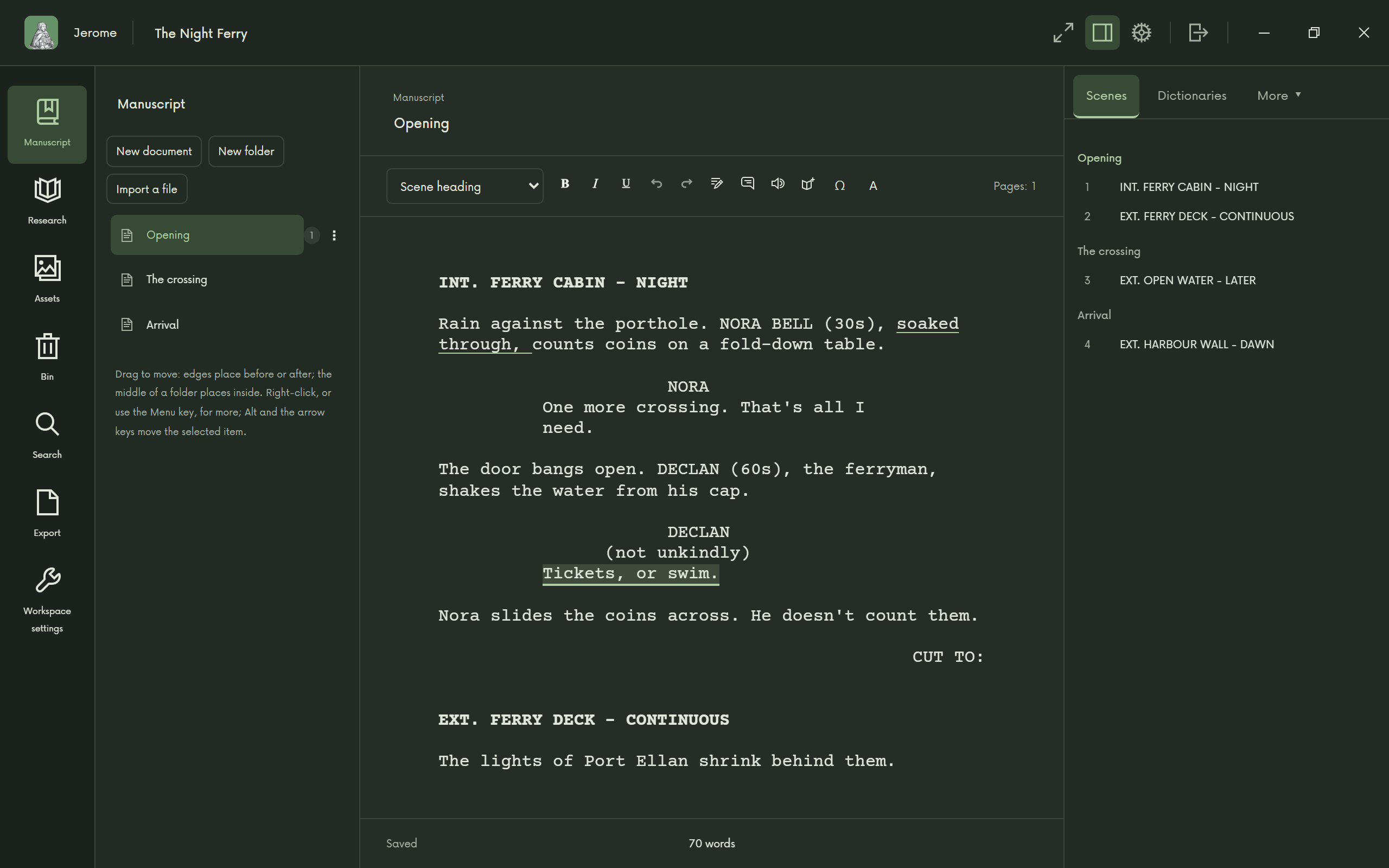
Screenplays that format themselves 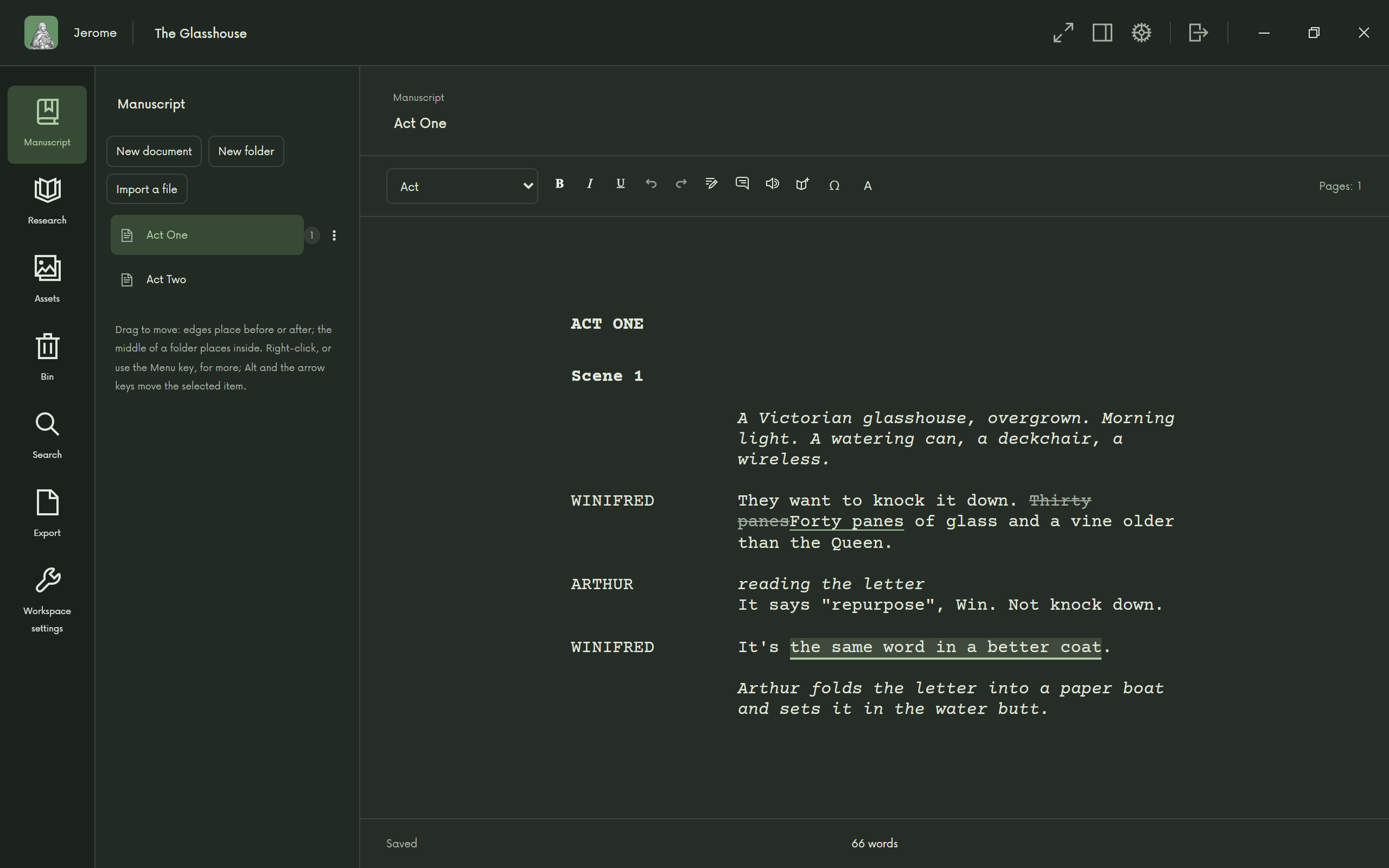
Stage plays 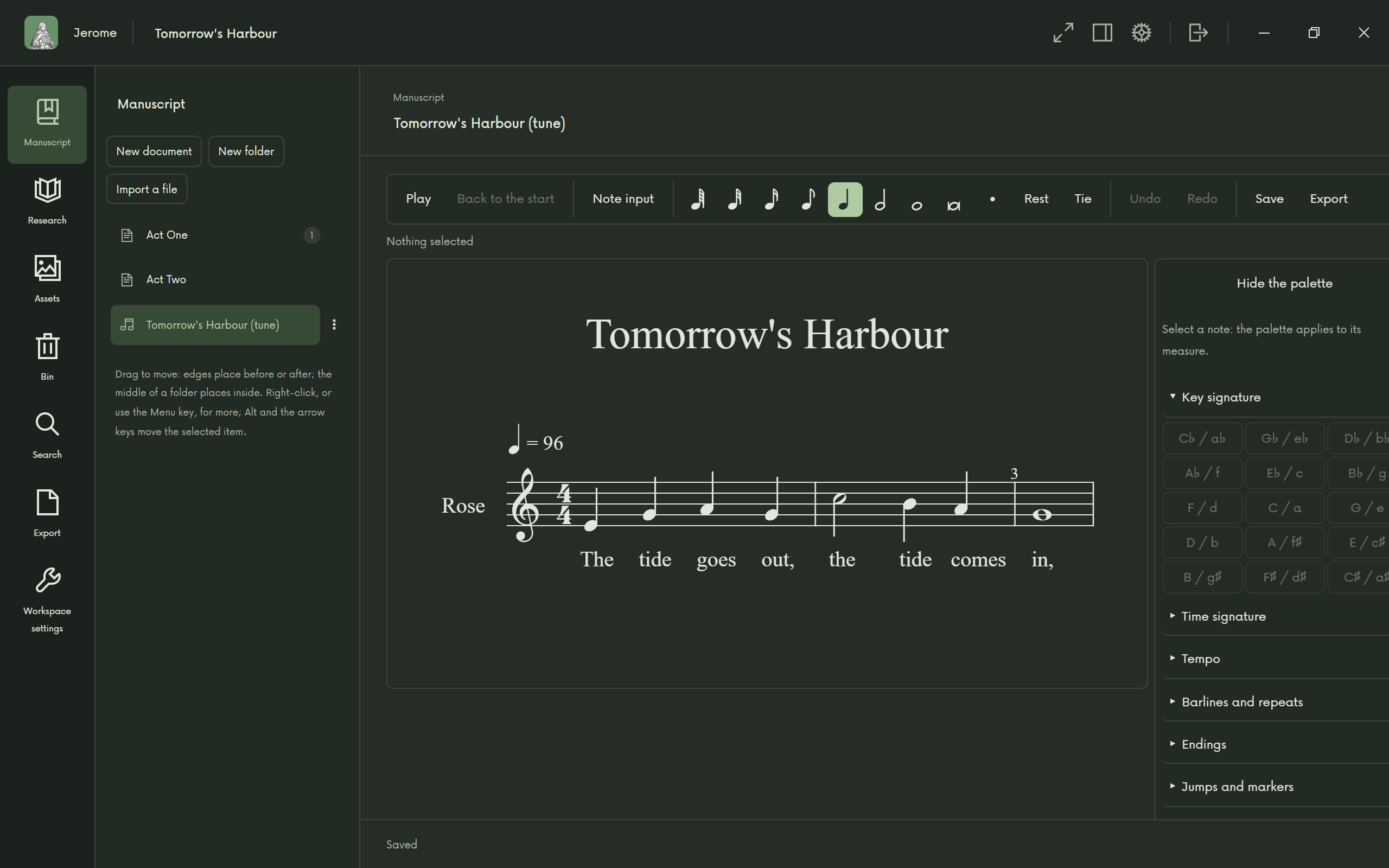
Music in the project
Comics
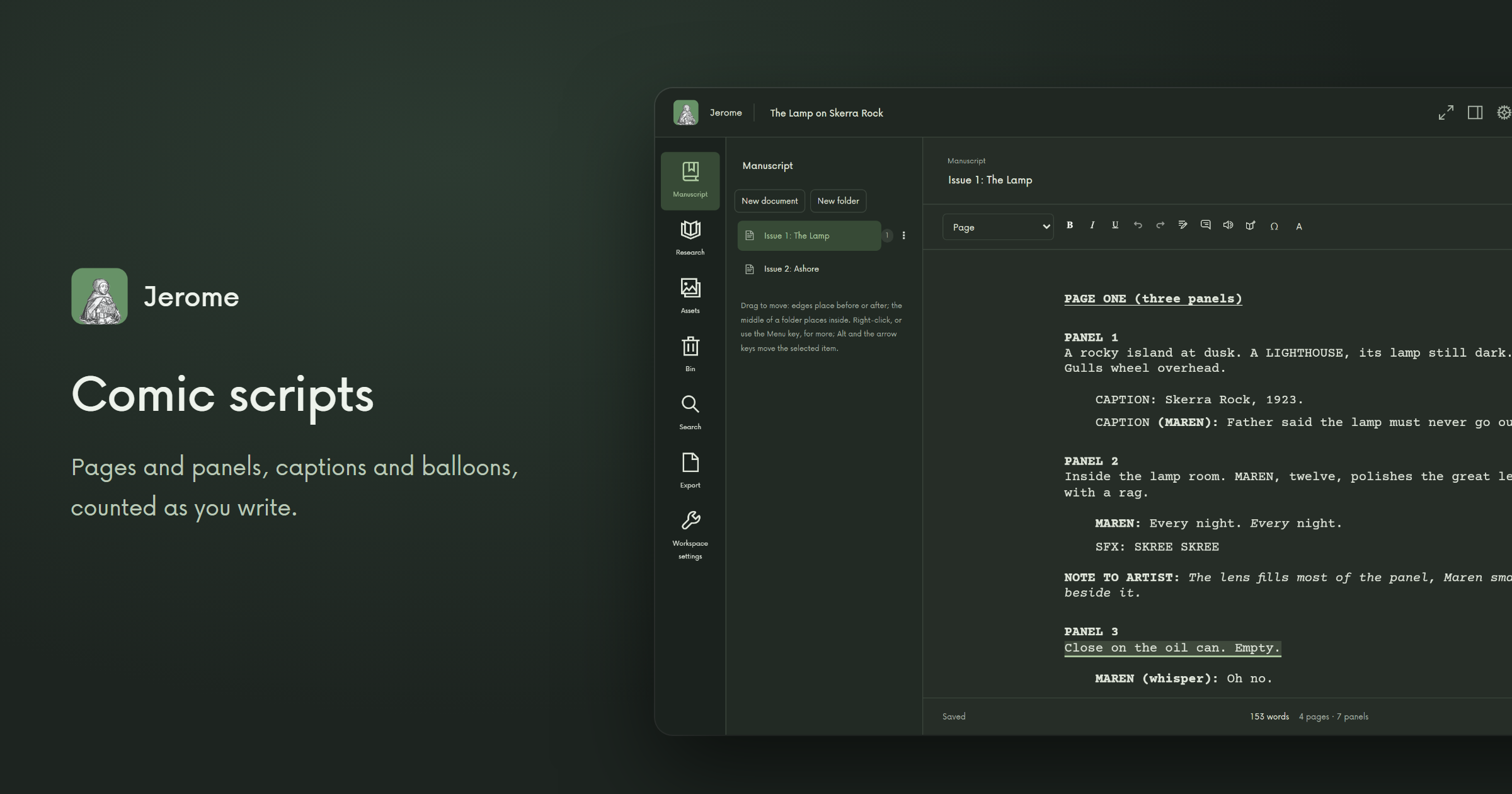
Comic scripts in pages and panels, with captions and balloons counted as you write. Pages and panels are named in the language you write in.
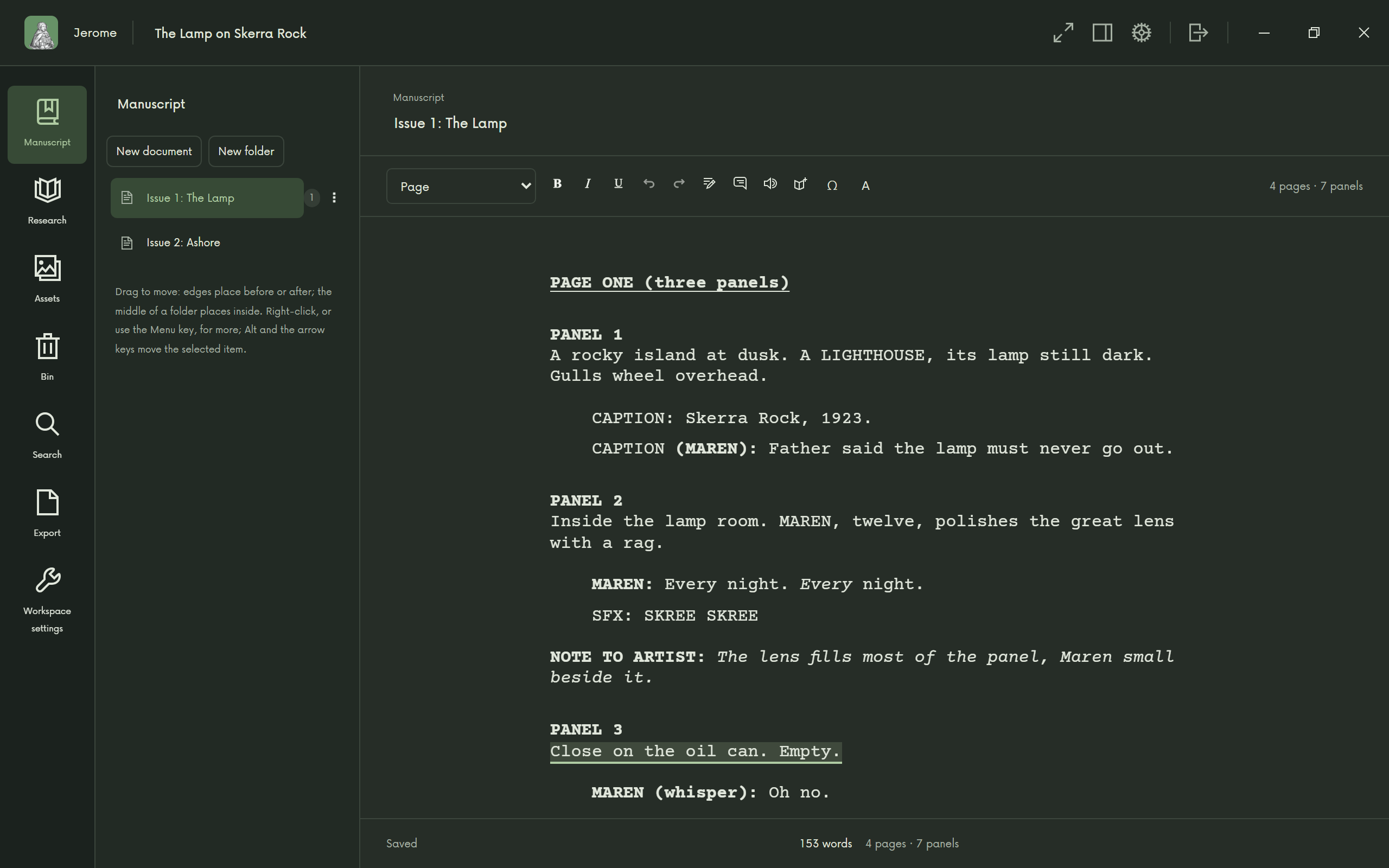
Comic scripts 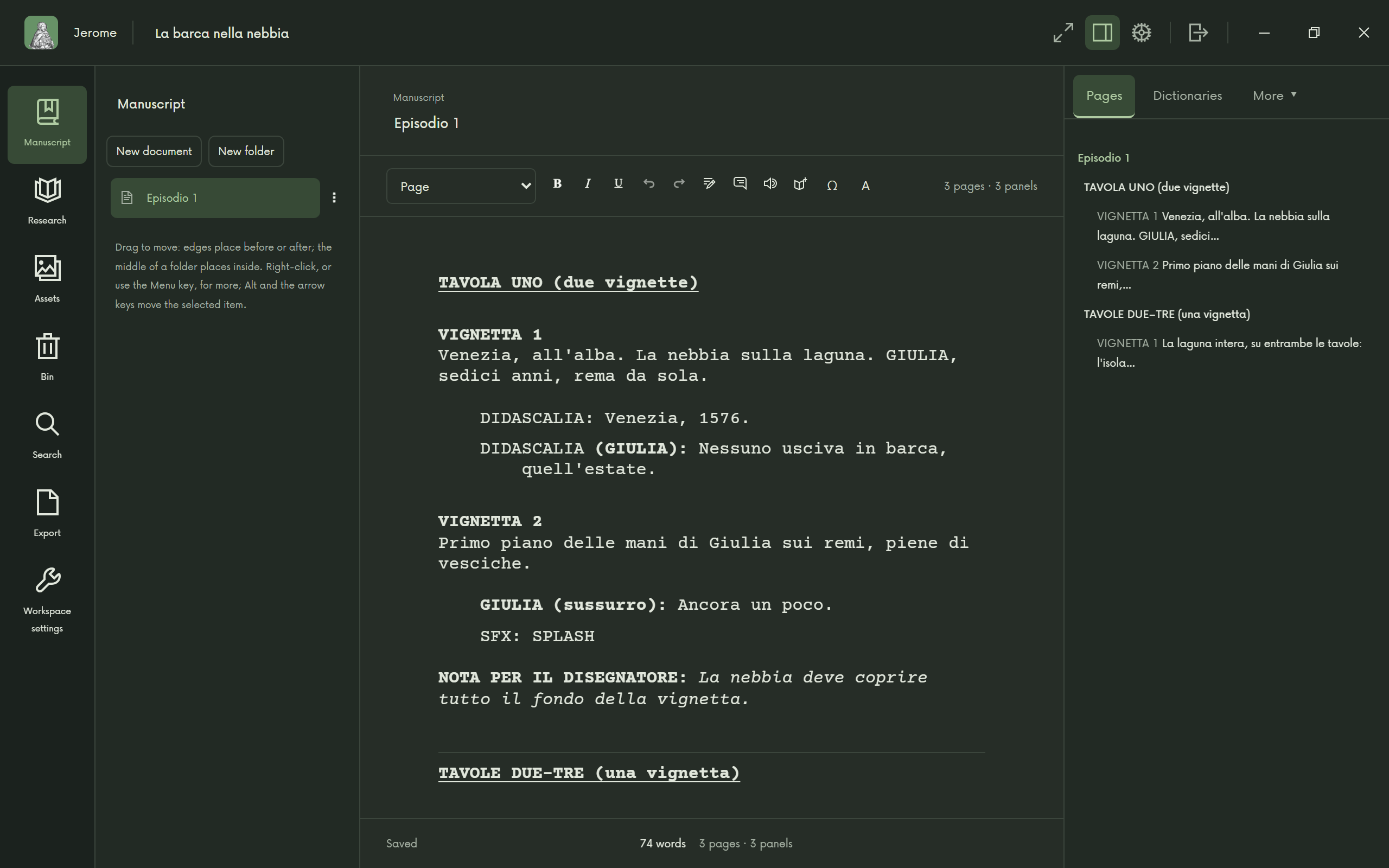
In the language you write in
Transcription, glossing and poetry
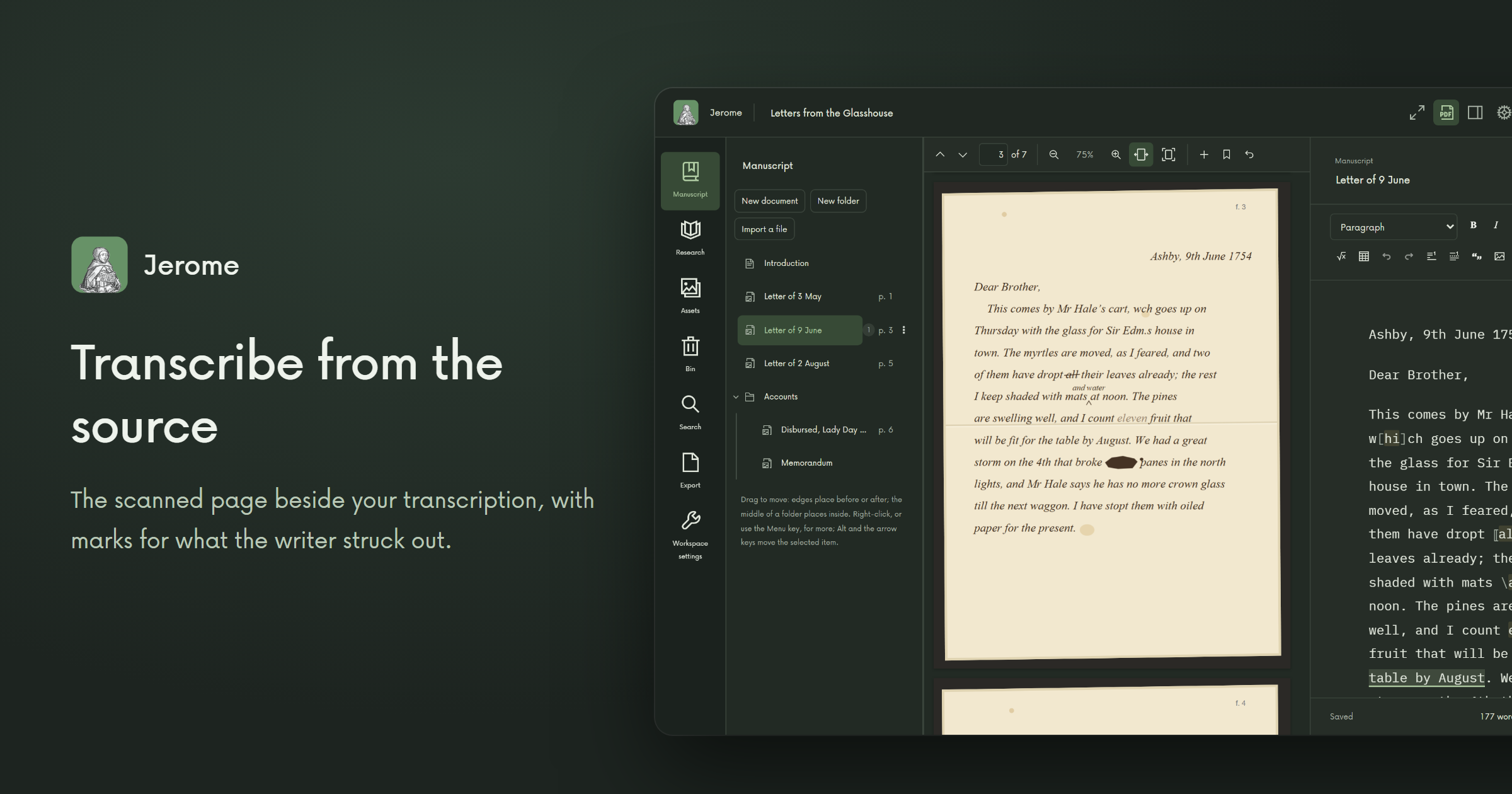
Transcribe a scanned page with the image beside your text, and mark what the writer struck out. Gloss a text with notes on its words and passages, kept apart from the text they explain. Gather poems into a collection, with line numbers and stanzas.
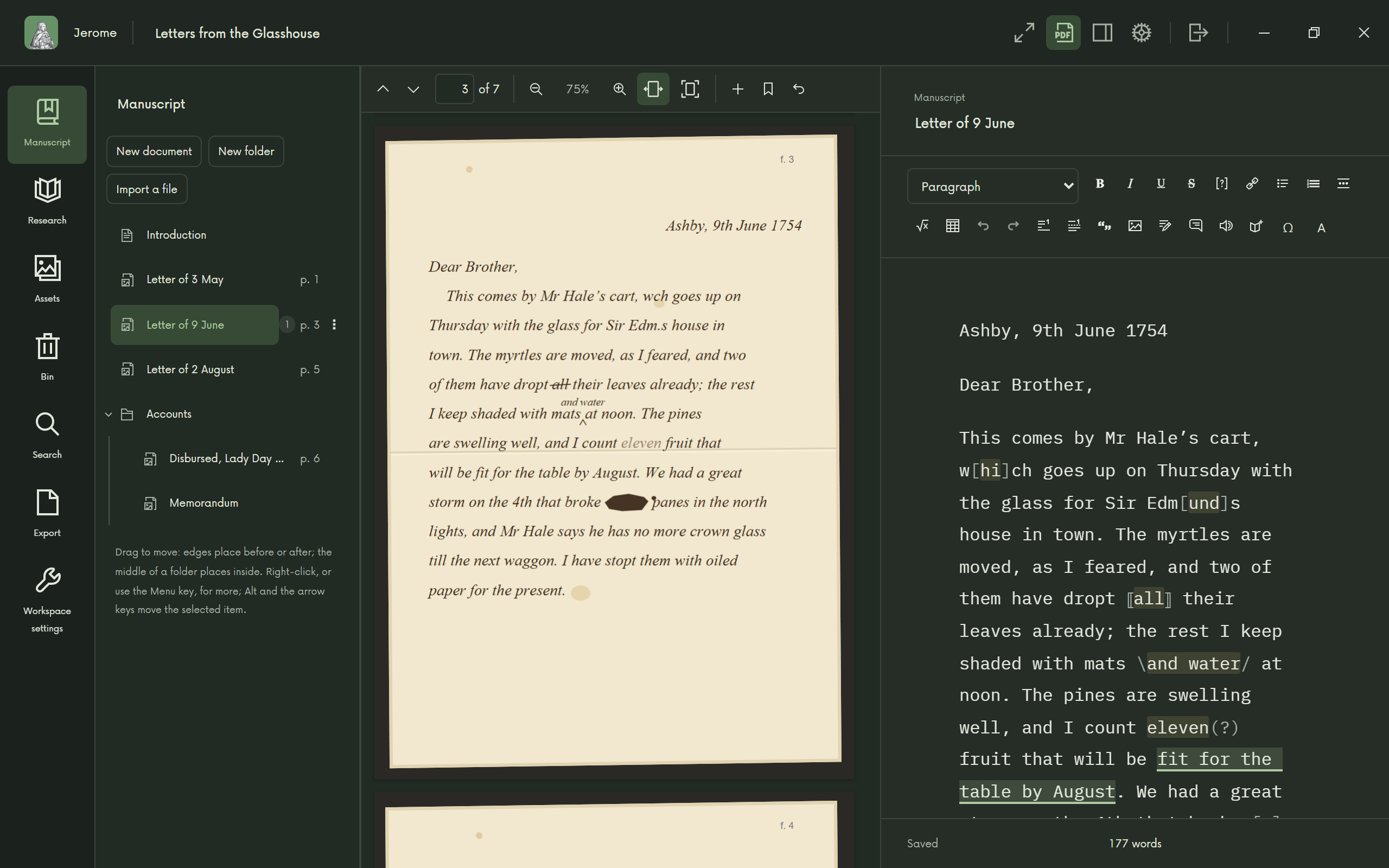
Transcribe from the source 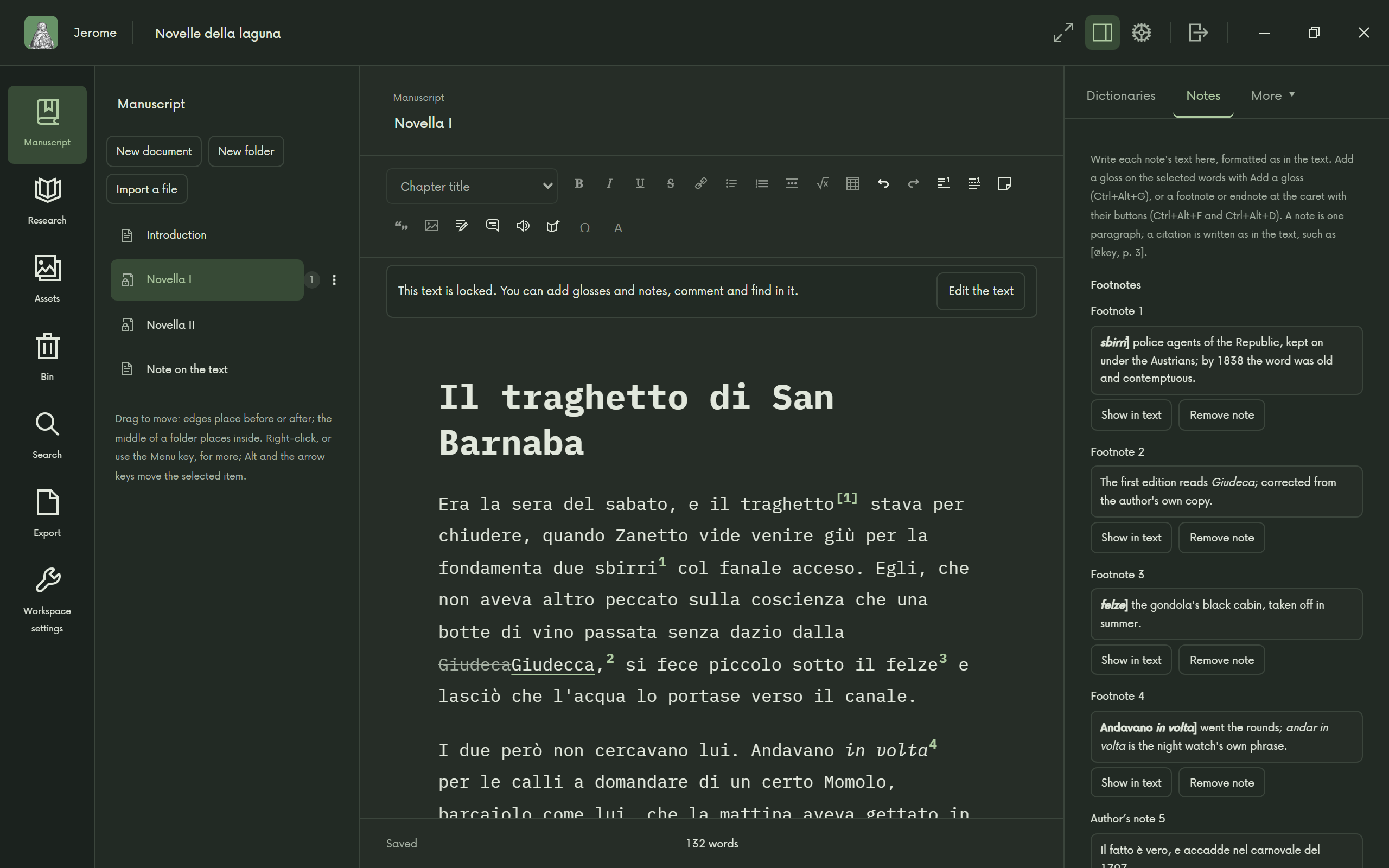
Gloss a text 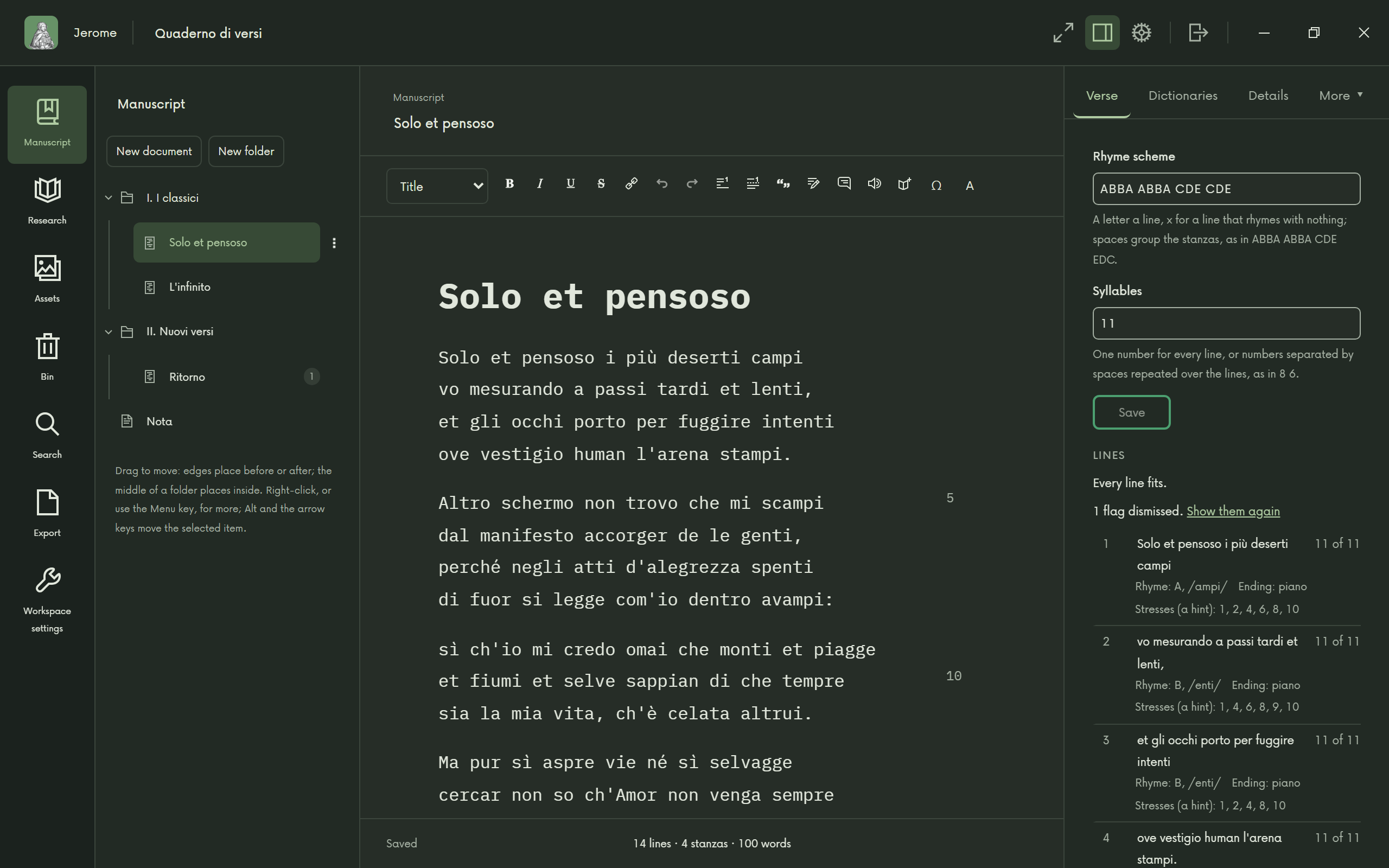
Poetry, line by line
Manuscript review
Editing someone else's book? Bring in the author's Word file, suggest changes and leave comments, and send it back in their own file, with everything you did not touch left as it was.
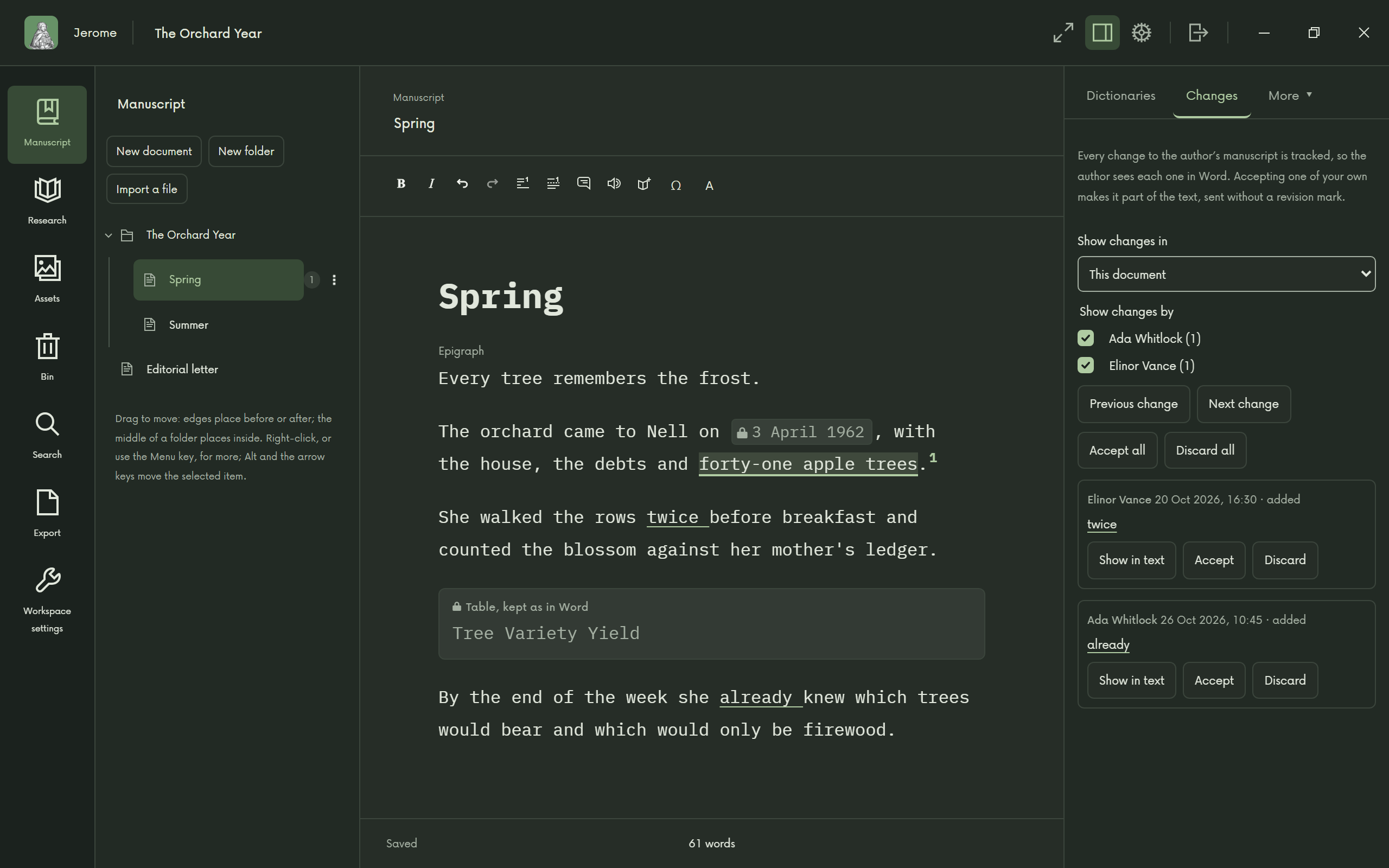
Review a manuscript
Publishing
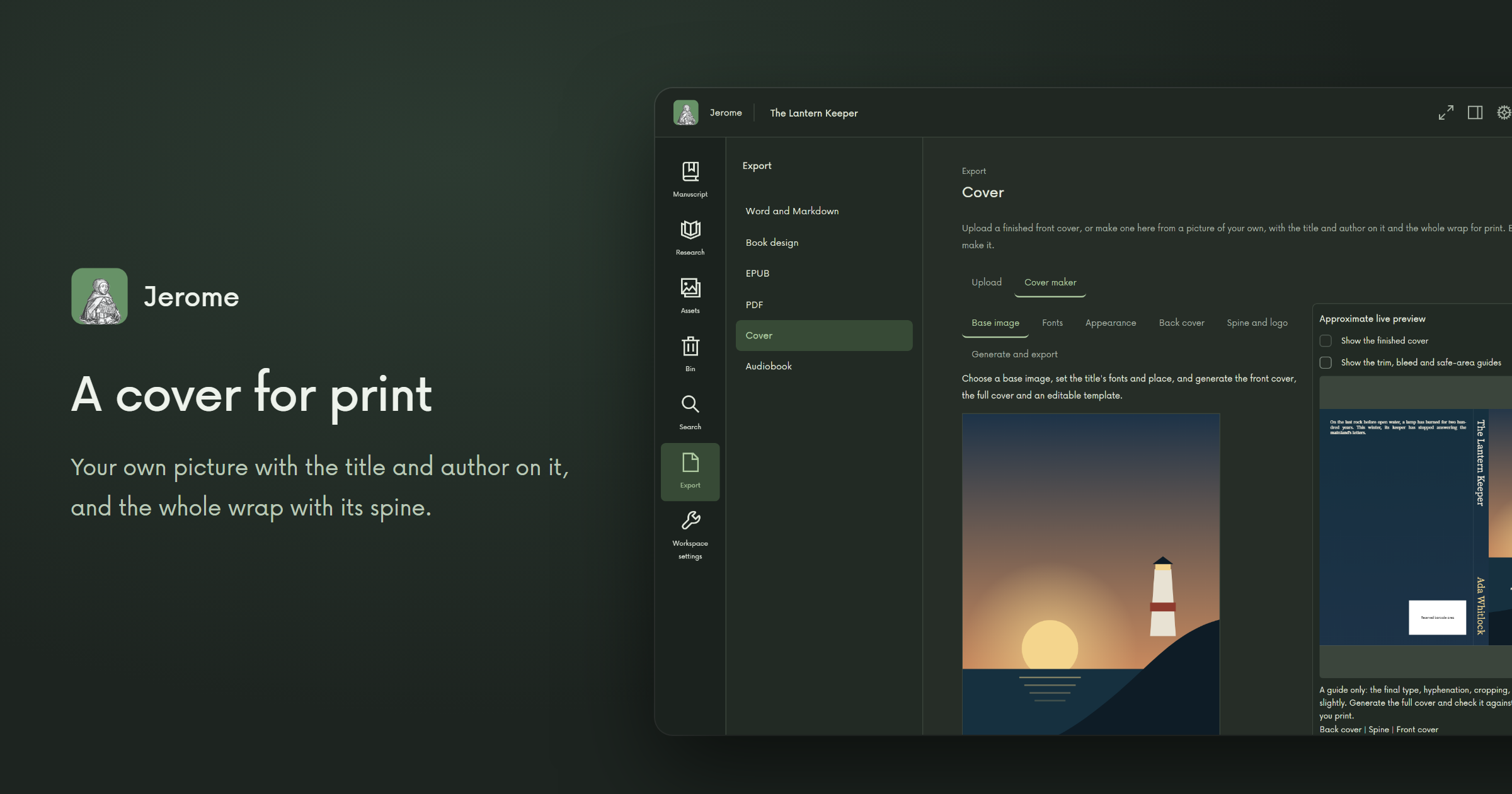
Your novel, translation or book of poems can become a real book. Choose the page, the fonts and how each chapter opens, and Jerome makes an ebook and a print-ready PDF. For the cover, bring a front you already have, or make one from your own picture: the front, the full wrap with its spine, and a template you can keep editing.
Want an audiobook too? A voice that runs on your computer reads your book aloud, so your text goes nowhere. You get an MP3 for each chapter. Narration is not available in Japanese, Ukrainian or Bulgarian yet.
The book tools and the voice are optional: downloaded once, when you want them, so you only make room for what you use.
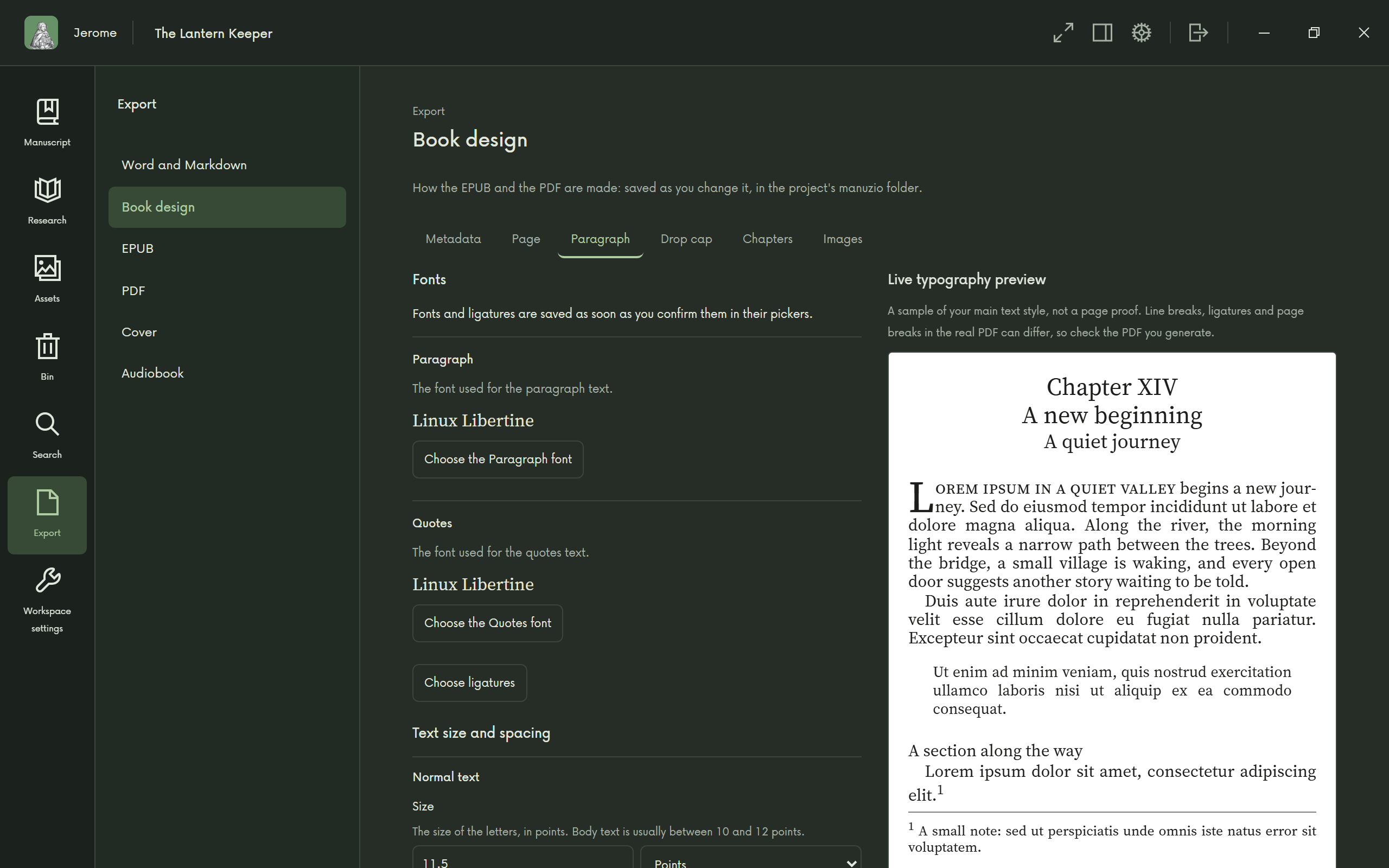
Design the book 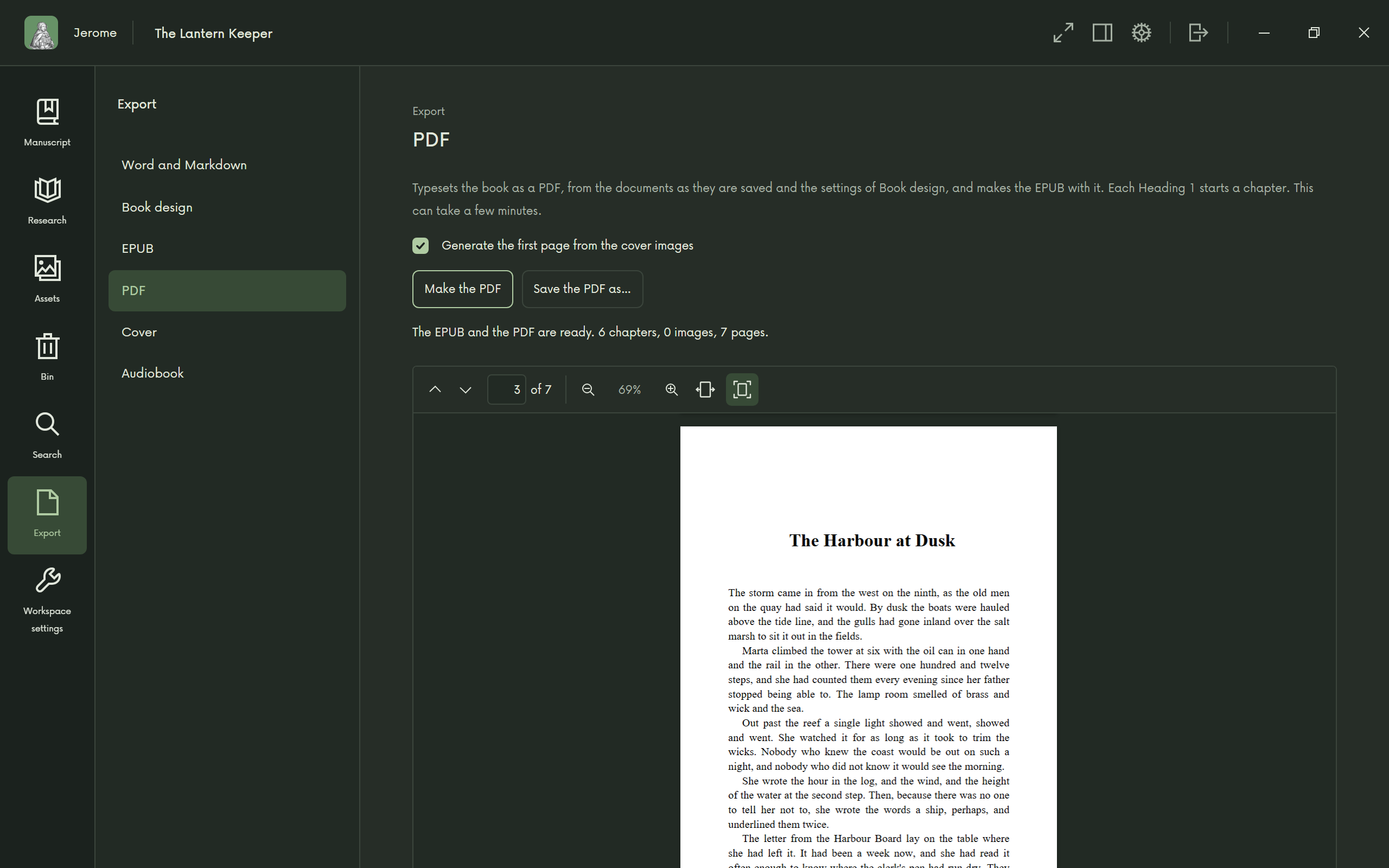
An EPUB and a typeset PDF 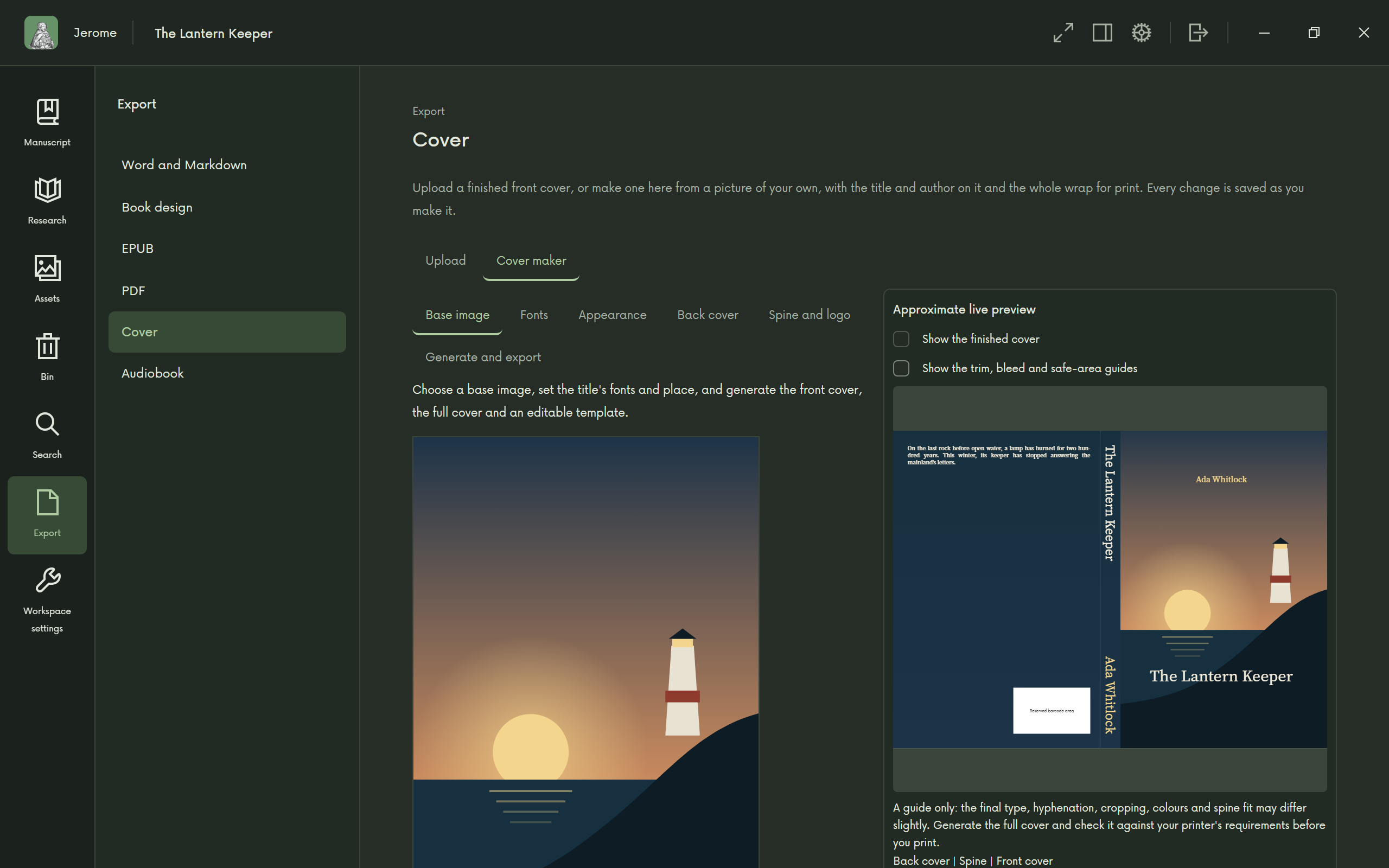
A cover for print 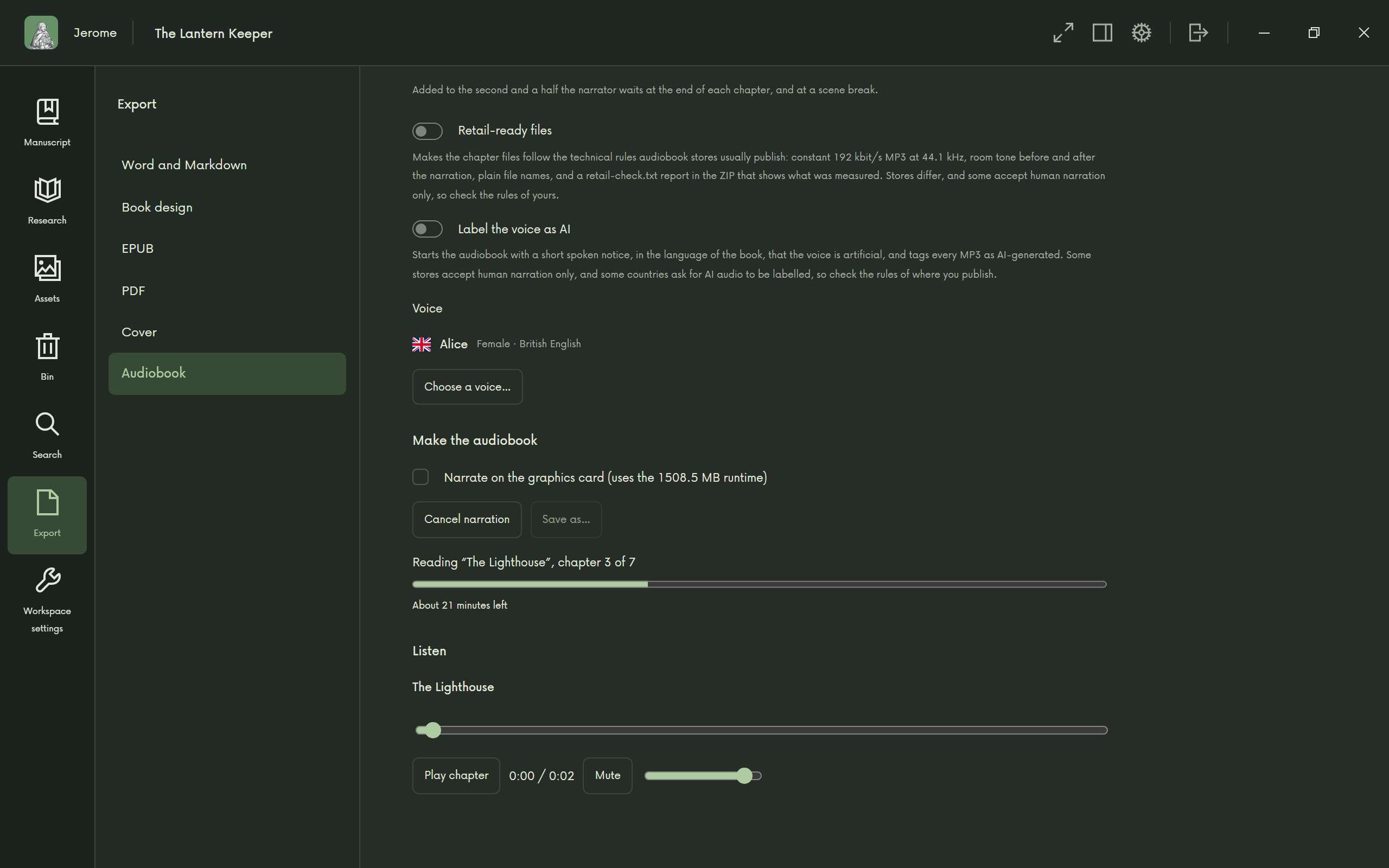
An audiobook, read on your computer 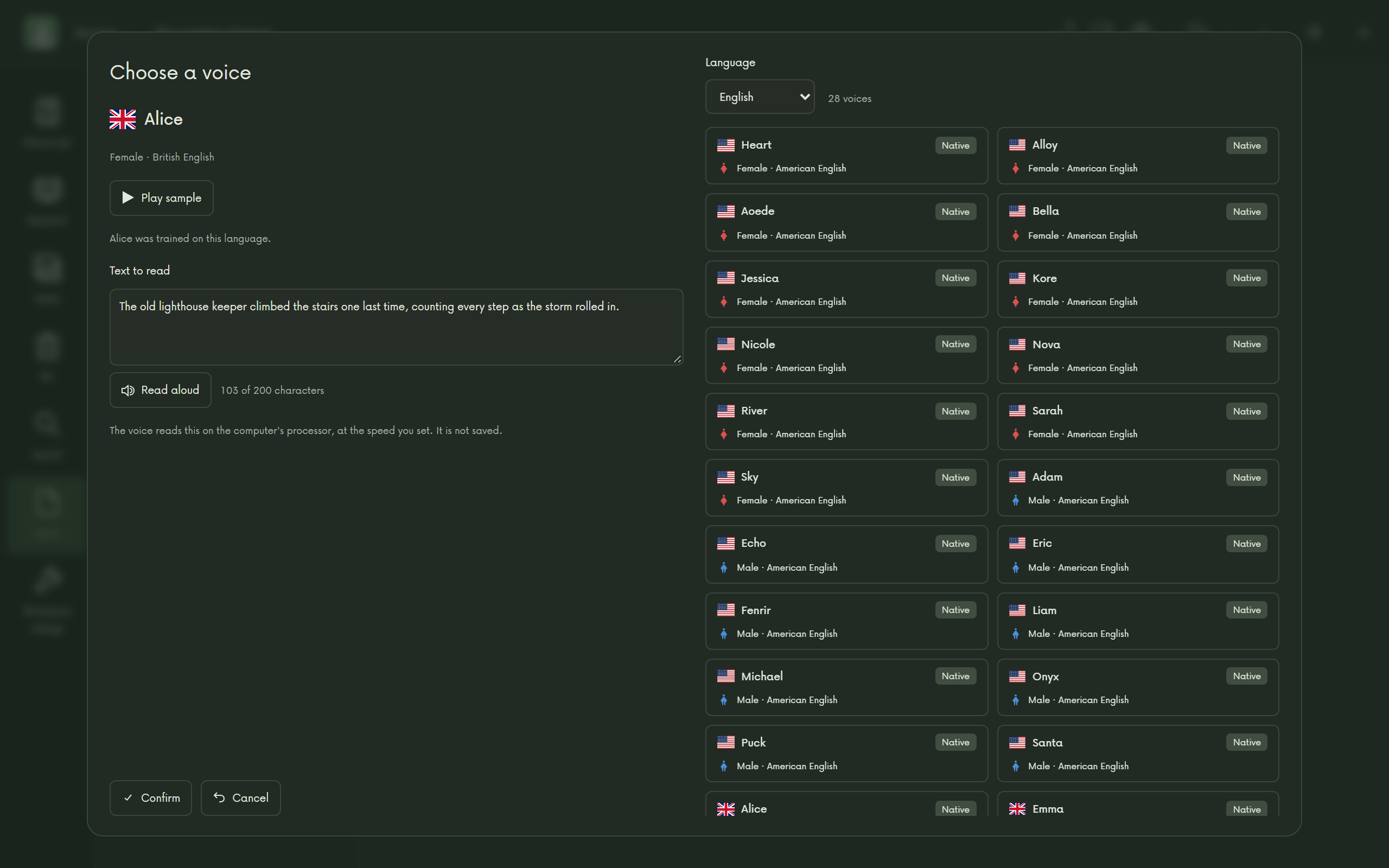
Choose the voice 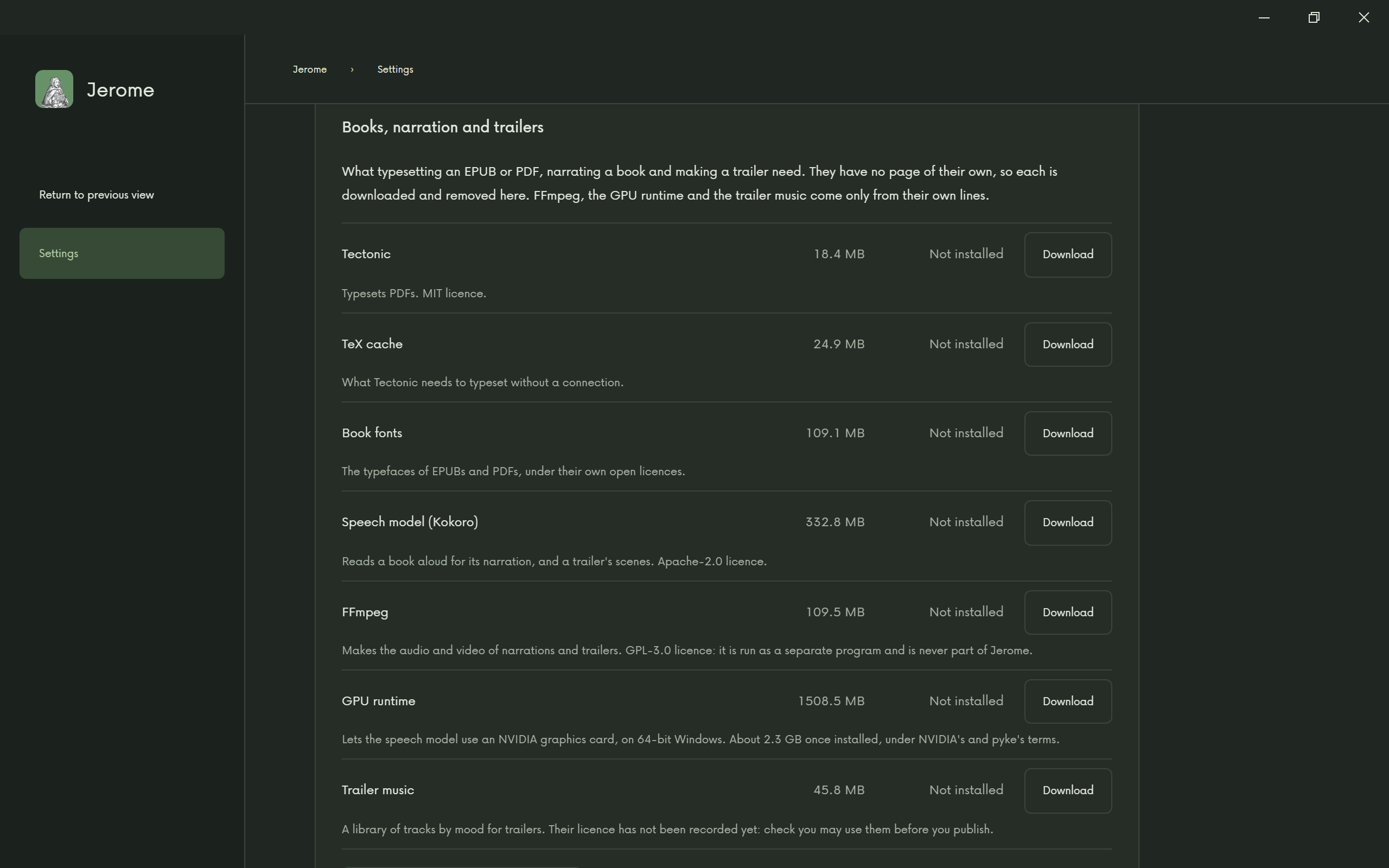
Only what you need
Marketing
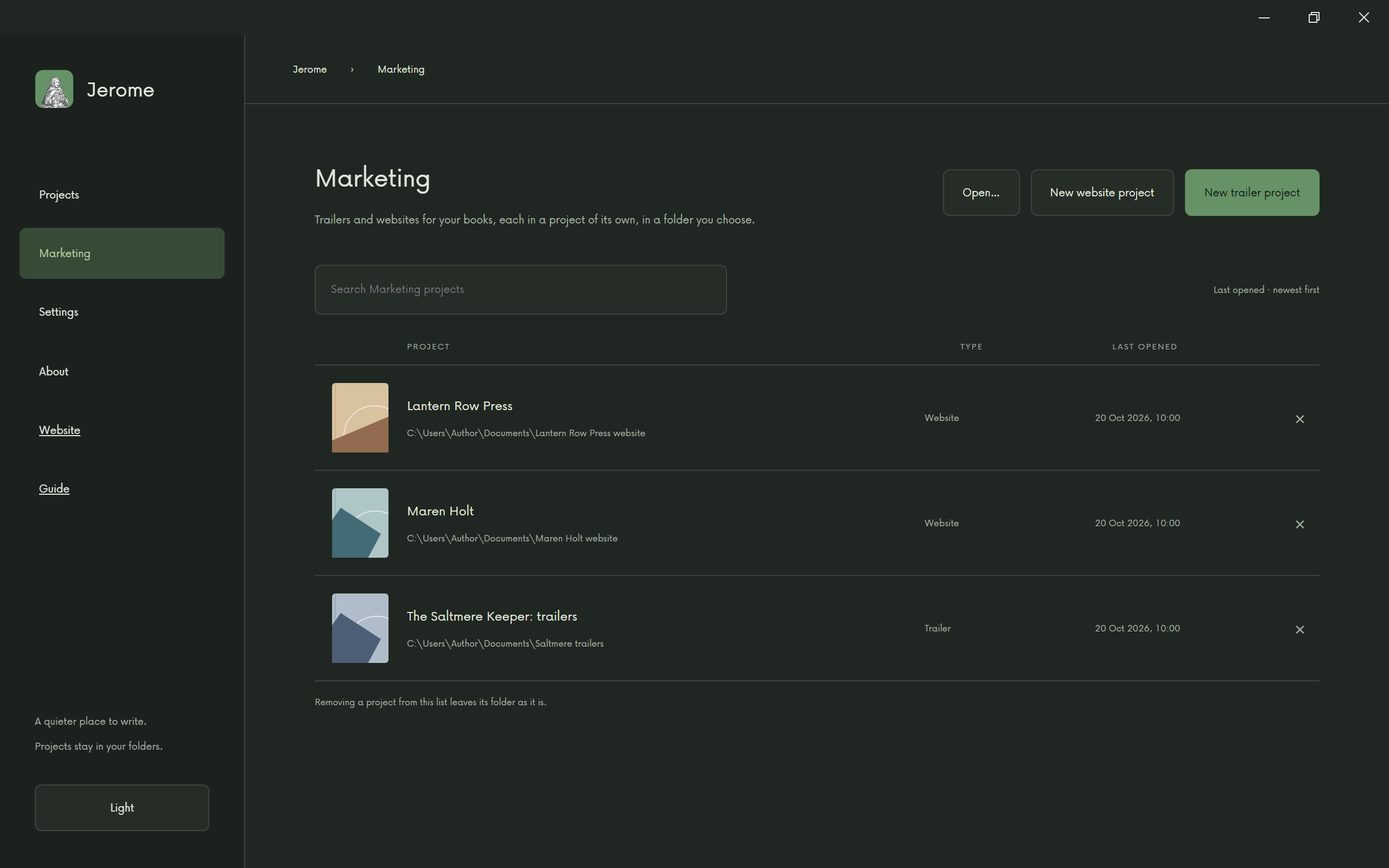
When the book is finished, tell the world. Make a trailer and a website, right where you wrote it. It is there on the Projects page; if you do not need it, hide it in Settings › Appearance. Marketing projects are separate from your writing projects, so you type or paste in what each one needs.
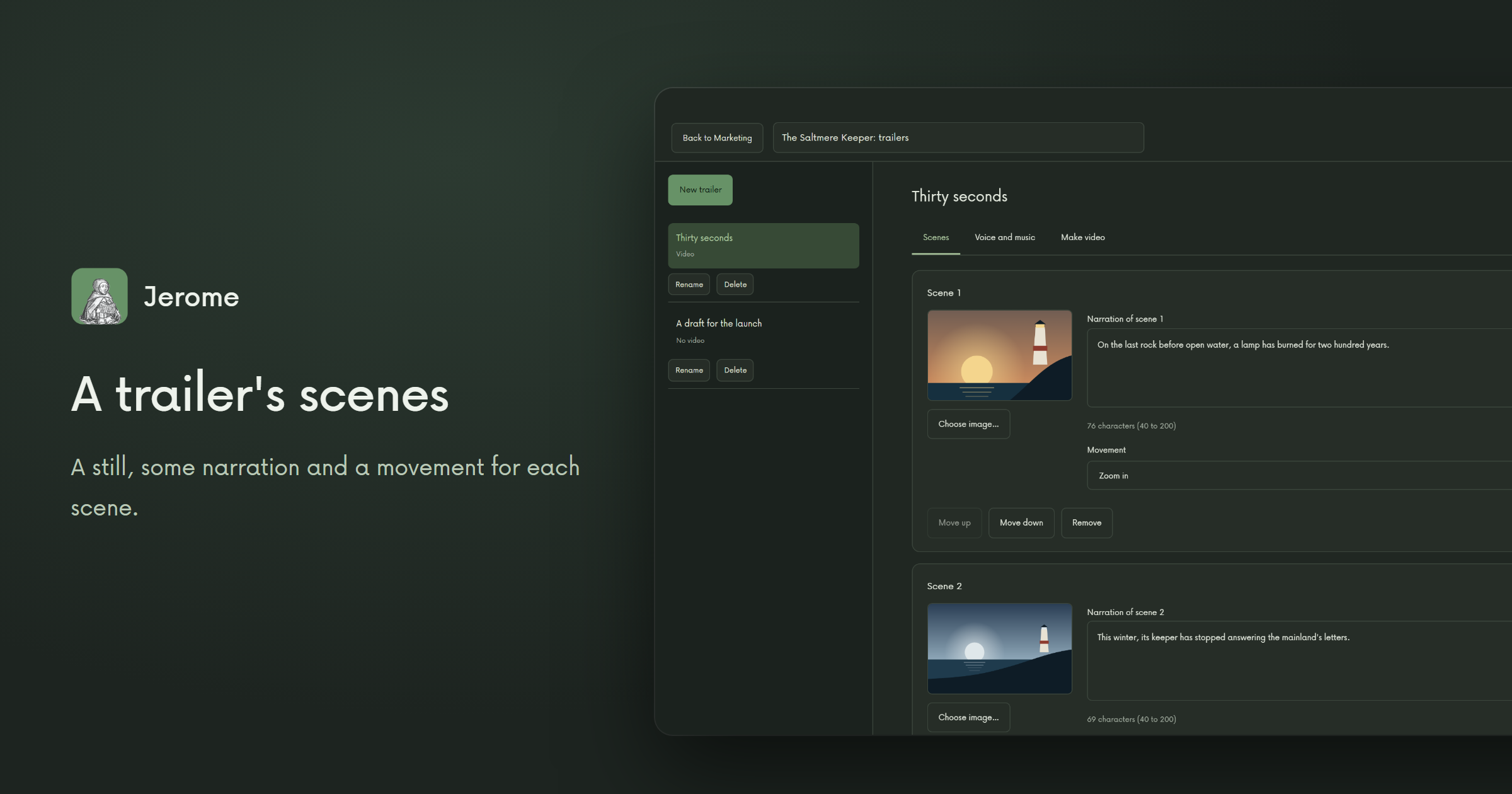
A trailer is a series of scenes, each with a still, some narration and a movement across the picture, with music if you want it. The voices run on your computer, with the same downloads as an audiobook.
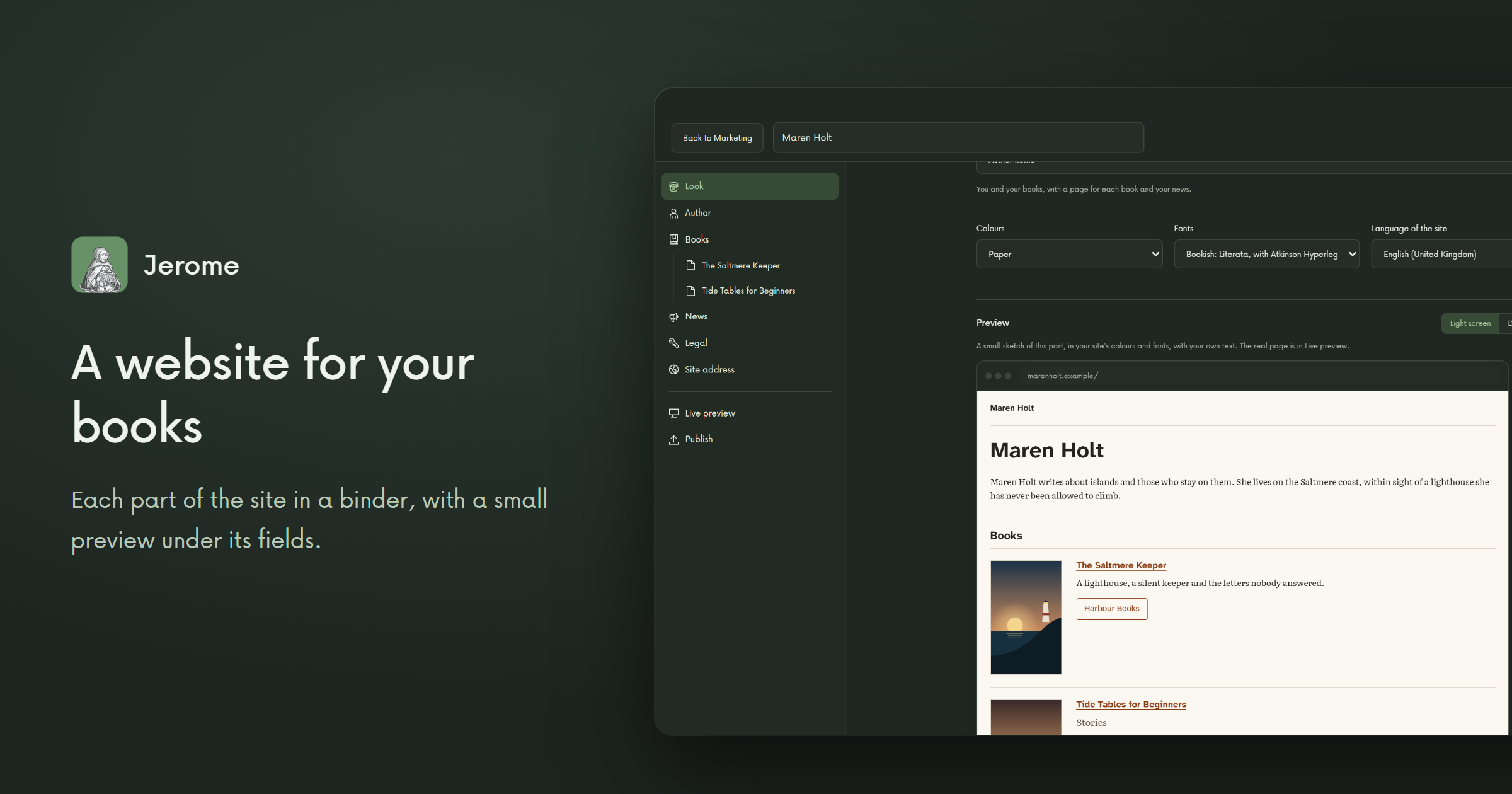
Pick one of six templates: one book, an author, a series, a book on its way, scripts and rights, or a publishing house with its logo and catalogue. Each part of the site has its place in a binder, with a small preview under its fields, and Live preview shows every real page in your browser, on your computer only. You get a site with no trackers and no cookies, with its menus and headings ready in 29 languages. Jerome builds it and packs it up; you put it online with a host of your choice.
Marketing, when you want it 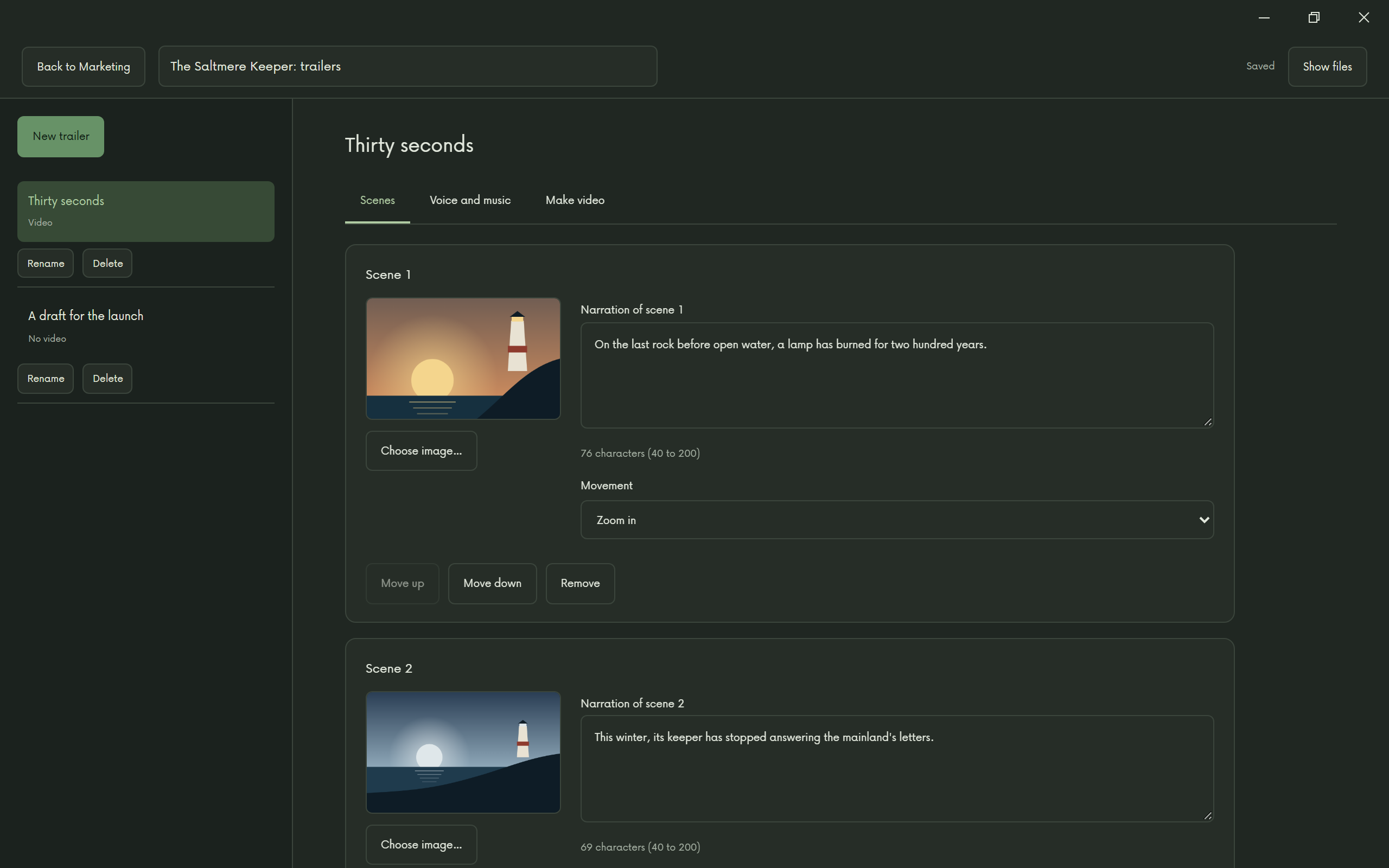
A trailer, scene by scene 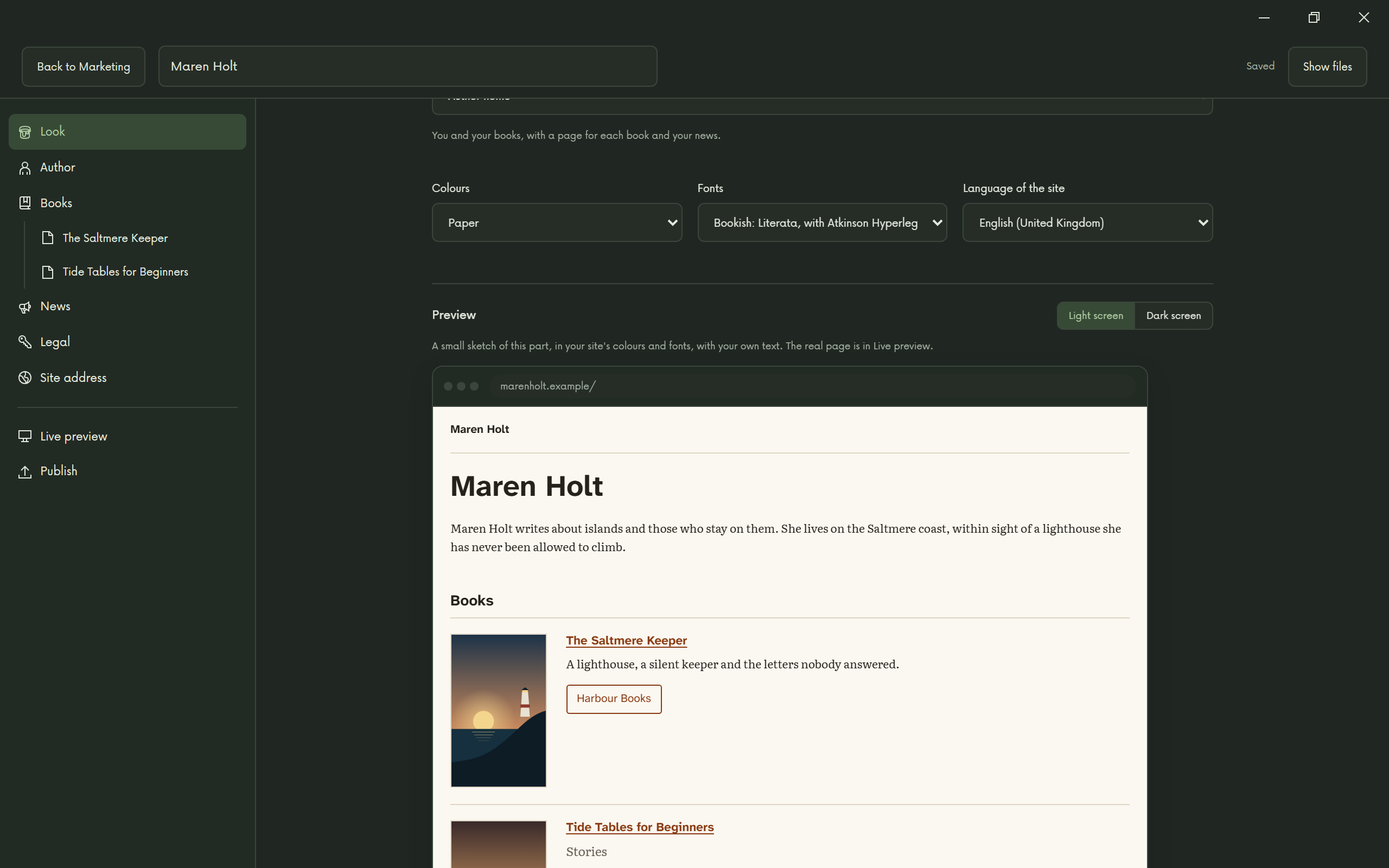
A website for your books 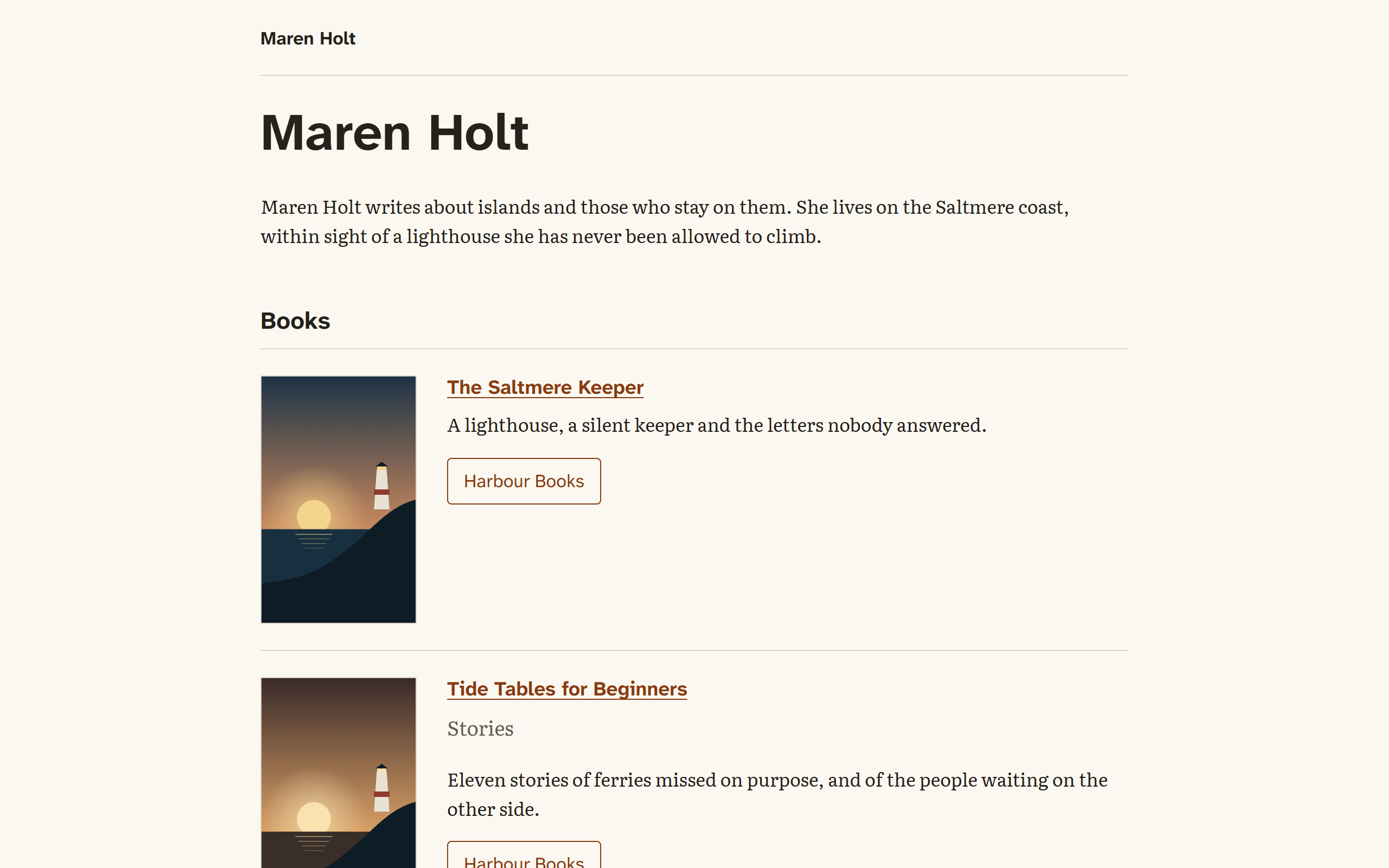
The site you get 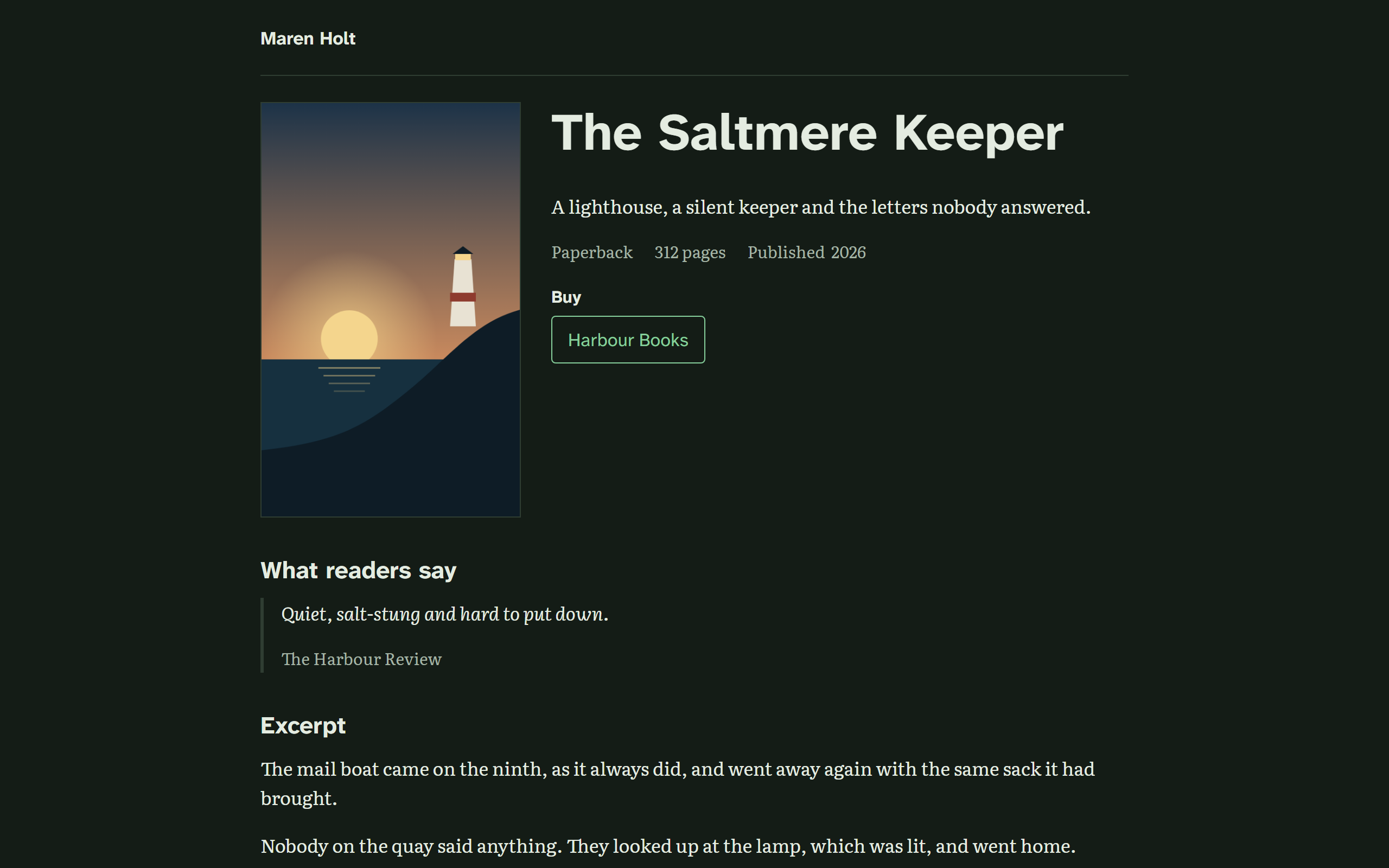
A page for each book 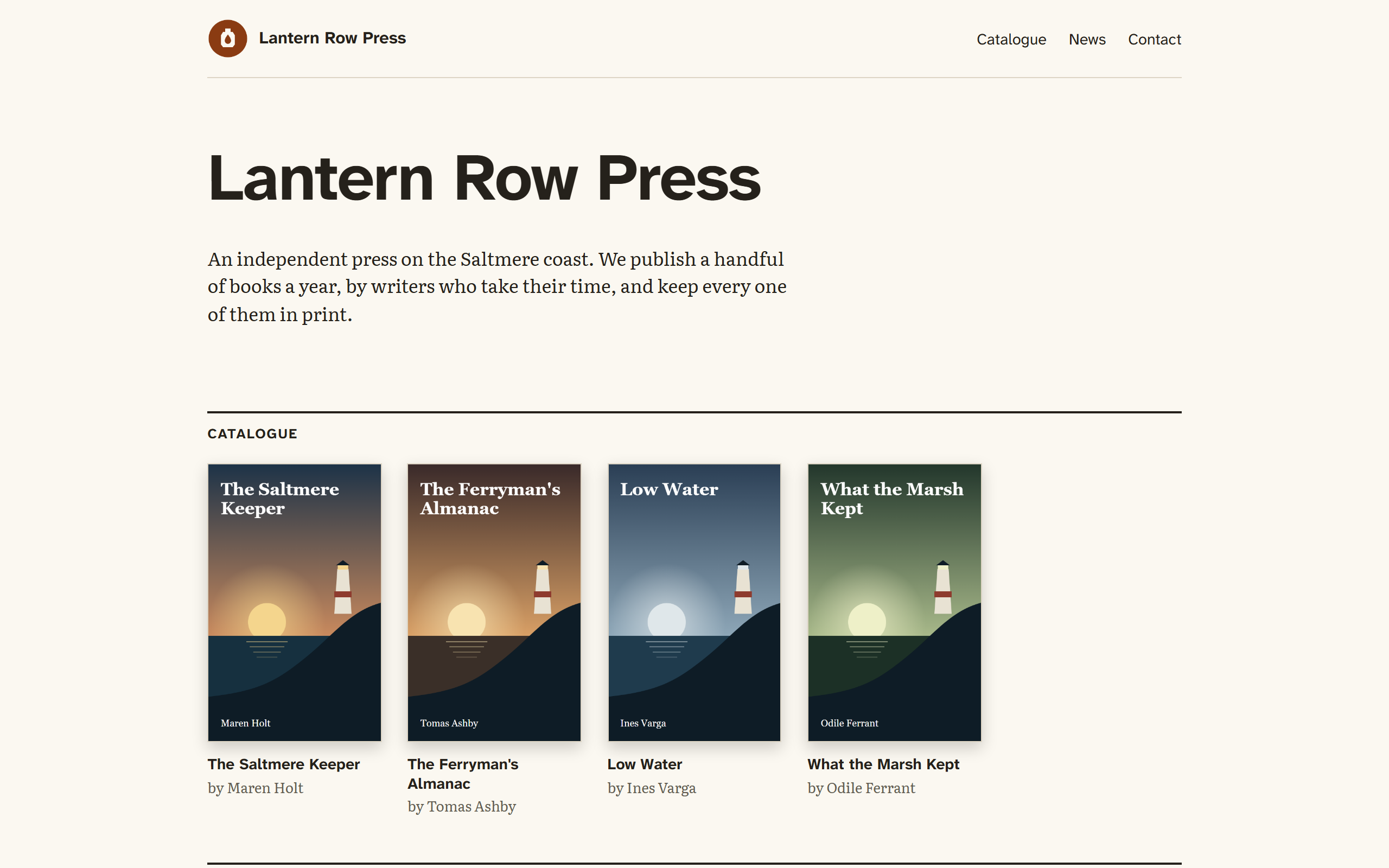
A publisher's site too
Plan
Turn on Plan in Settings for boards, to-do lists and schedules for the project itself. Until you do, it stays out of the way.
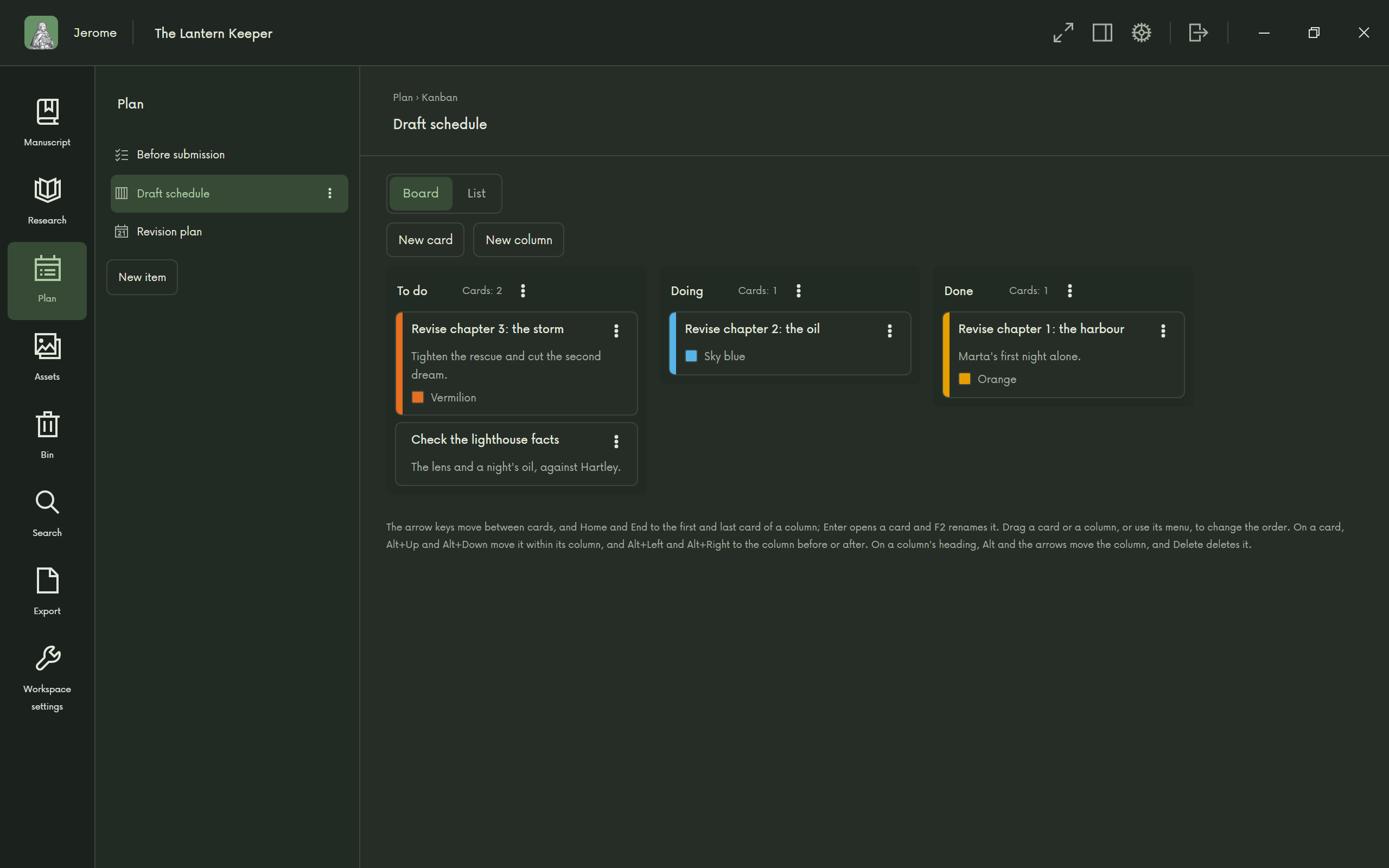
Plan the work
And the rest
Formulas and tables for the books that need them. Your choice of fonts and sizes, a light or dark look, and keyboard shortcuts throughout, all listed in Settings.
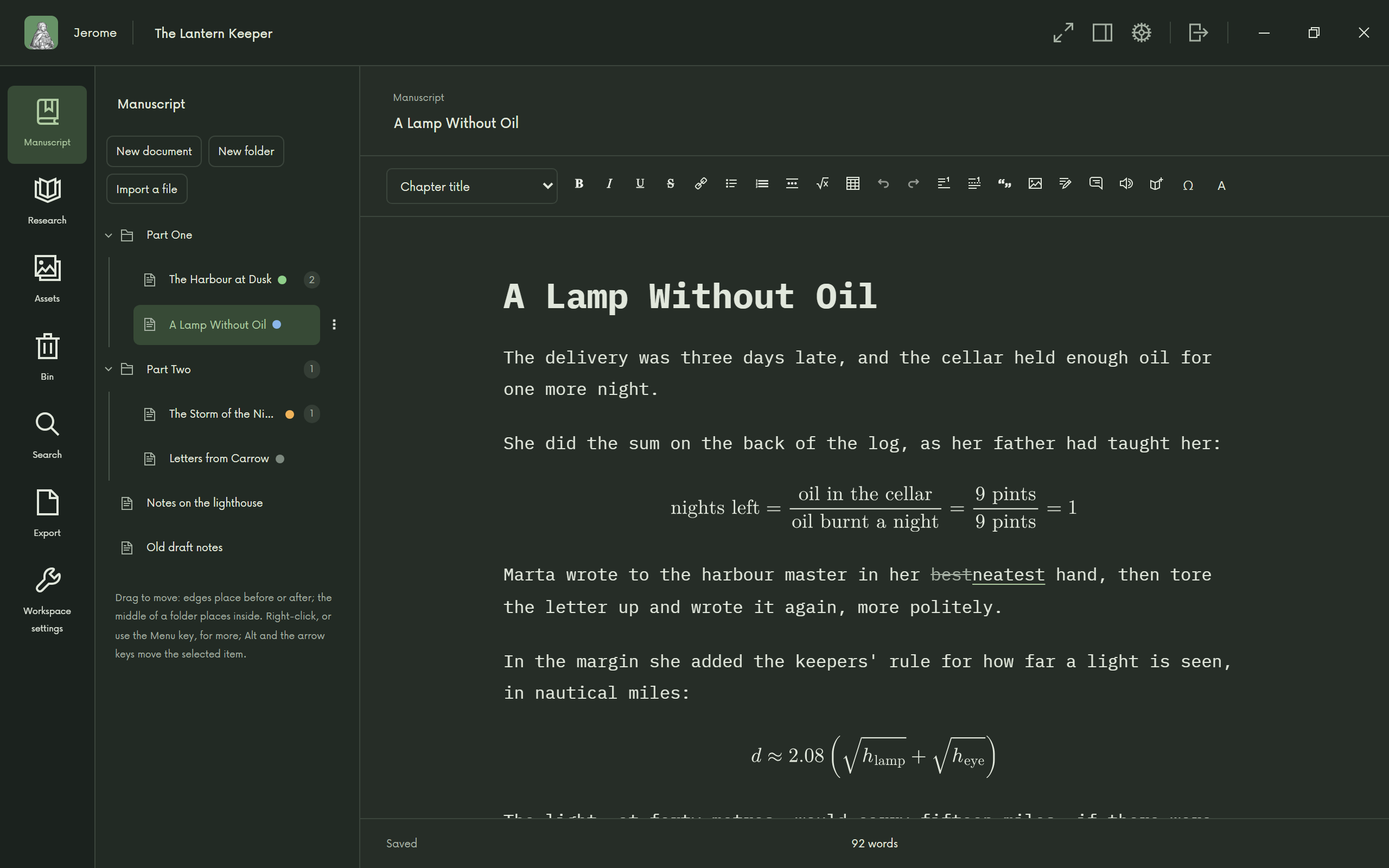
Formulas and tables 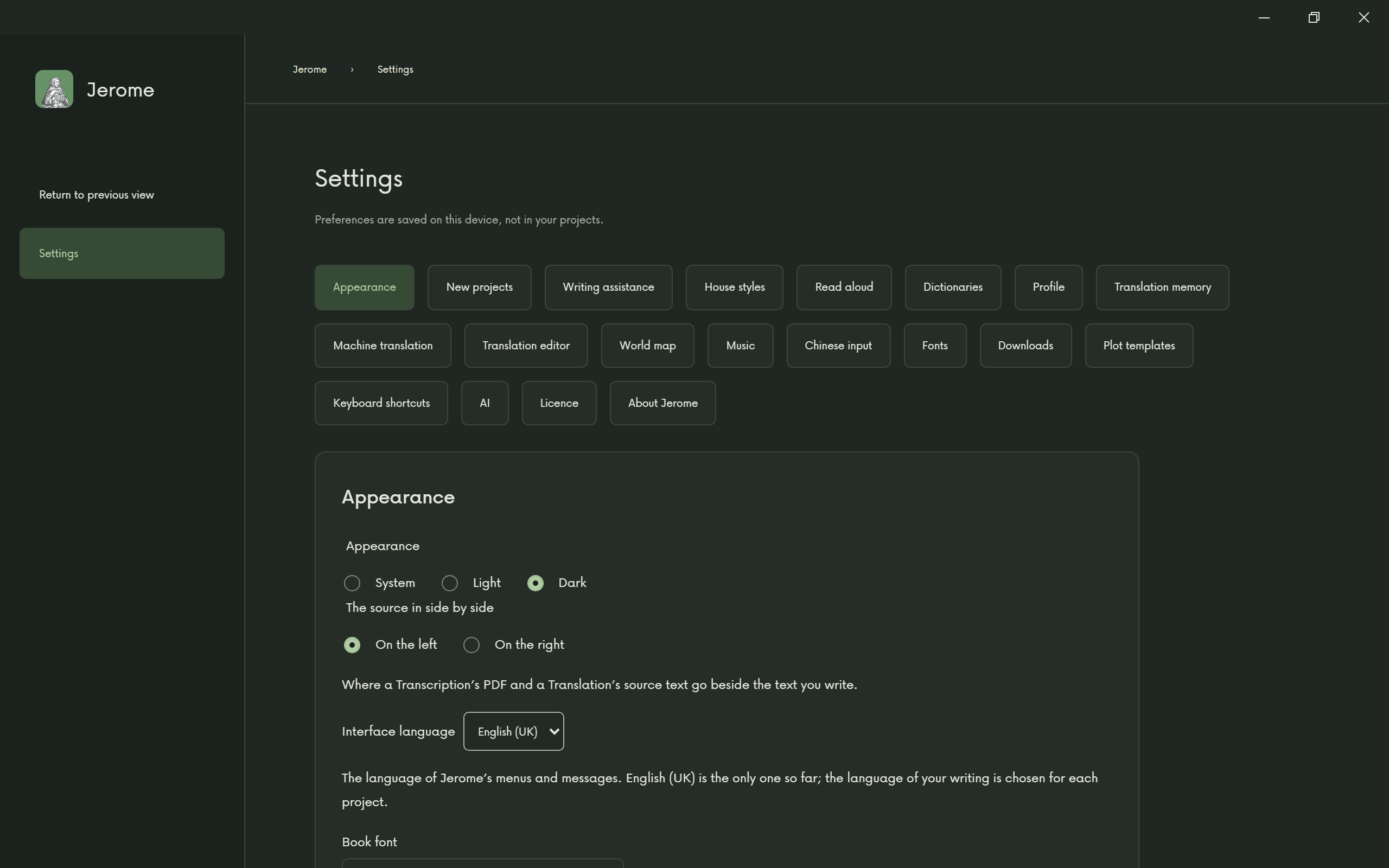
Make it yours
Jerome at a glance
A few cards to look through, or to share.