Download Jerome
Jerome for Windows and Linux. macOS is coming soon.
Windows
Coming soon
Linux
Coming soon
macOS
Coming soon
Jerome asks for a licence key the first time it starts. You get one when you buy it. Buy a licence key
What you need
- Windows 10 or 11, on a 64-bit Intel or AMD computer.
- A recent 64-bit Linux on an Intel or AMD computer.
- macOS: coming soon.

First time? Download everything
Jerome works without the internet. Its extras are downloaded once, when you want them, which keeps the installer small. Get them now and you are free to disconnect.
- Install Jerome and activate it with your licence key.
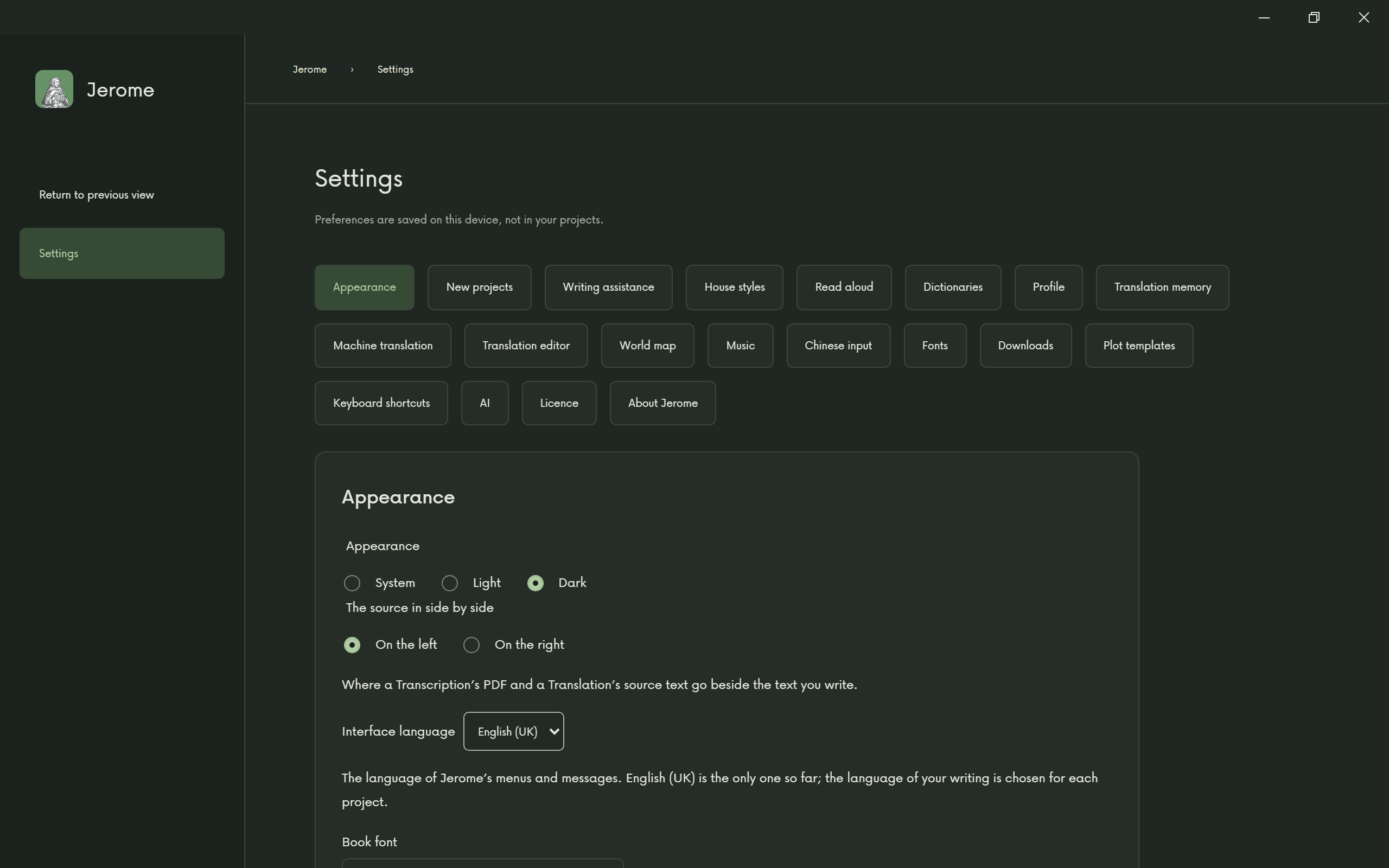
- Open Settings, then Downloads.
- Choose Download all tools: thorough grammar checking (on Windows), house-style checking, the world map, fonts for other writing systems and the instruments that play your scores.
- Download the language pack for each language you work in: its dictionaries and its machine translation.
- If you will make a finished book, an audiobook or a trailer, also choose Download for books, and the line that makes audio and video, further down the same page.
That is all. Now you can work offline, on a train or the top of a mountain, for as long as you like.